GTA 6 Day One: Auto Save, Arnold, and the Mission Trap
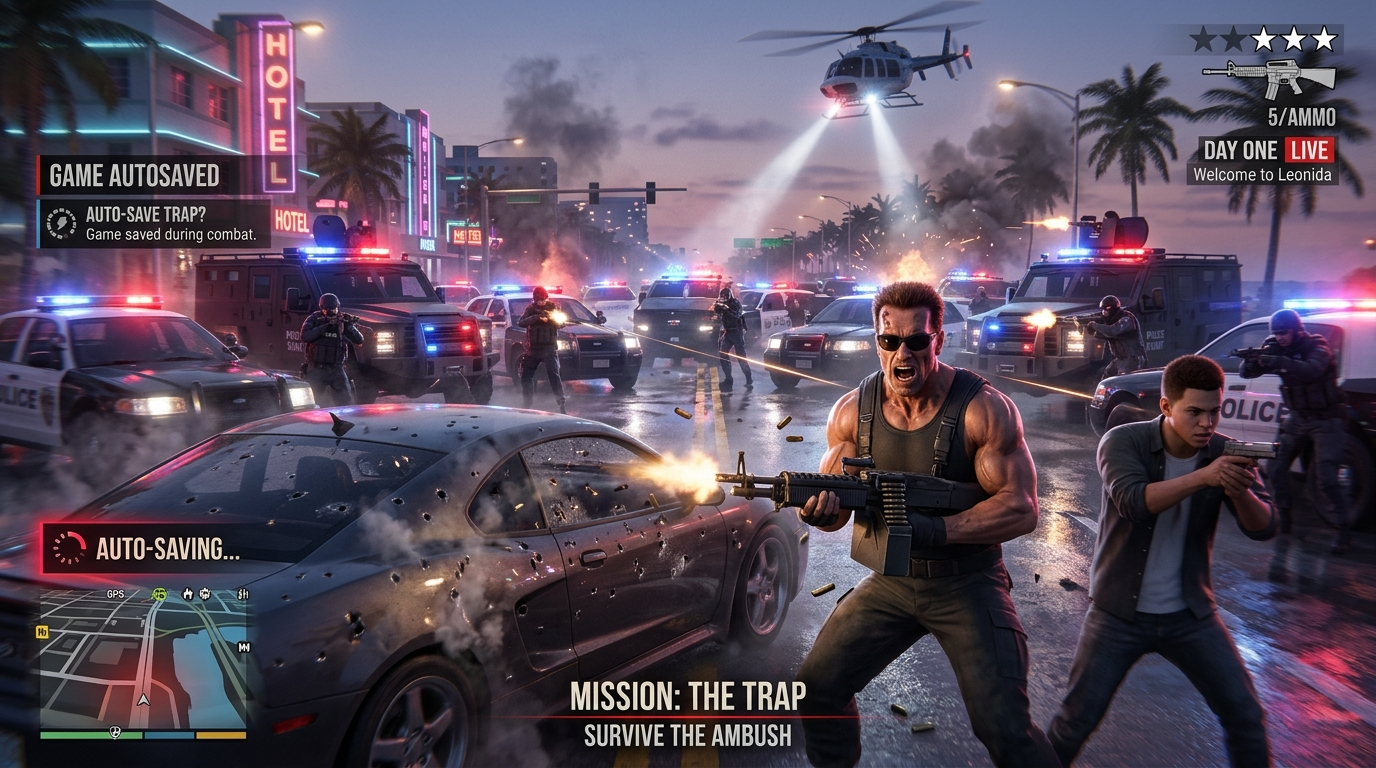
Rockstar has quietly removed something every Grand Theft Auto player took for granted, and most people will not notice until it is too late. GTA 6 has no mission replay. None. If you botch a heist, pick the wrong option in a conversation, or simply want to run a favorite set piece again, your only route back is a manual save you thought to make beforehand. Here is how the GTA 6 save system actually works, what the Arnold choice in Chapter 1 changes, and the trap waiting at the end of the first chapter.
The Mission Trap
Start here, because it shapes everything else.
Both of Rockstar’s previous epics handled this differently. In GTA 5, a finished mission could be reopened from the pause menu, and Red Dead Redemption 2 went further with a dedicated replay system tied to its medal ratings. Neither exists here, something TalkEsport verified once copies were in players’ hands.
With 93 story missions, that means each one is a single run per save file unless you have kept an older save.
Rockstar has not explained the decision, and has announced nothing about adding replay in a future update. Treat it as permanent for now.
How Saving Works
The save system is straightforward once you know the rules:
- Fifteen slots for manual saves, matching what Rockstar offered in its last two games.
- A single autosave, which writes over itself every time.
- That autosave fires once a mission wraps, and after certain events out in the world.
- Manual saves sit inside the pause menu, reachable only when you are free roaming.
- Mid-mission saving is impossible. There is no workaround.
Does GTA 6 auto save?
Yes, but the autosave is not your safety net. It is a single slot that keeps overwriting, so by the time you realize you want to go back, the autosave has almost certainly moved past the moment you wanted.
So treat this as the rule: before anything major, especially a heist, write a save into an unused slot. Ten seconds of effort, and it is the only safety net on offer.
The Arnold Choice
The decision everyone is currently looking up arrives in Hey Arnold!, which opens up once you have finished Pipework early in the game. Jason chases Brian’s missing broker, Arnold, and corners him at the docks.
You can kill him or let him go.
| Choice | What it does |
| Shoot him | Nudges Jason’s criminal profile toward Hardened |
| Let him live | Leaves the profile Restrained, and Arnold swims off |
There is a third outcome: do nothing, and Arnold announces he is swimming off anyway, which plays out much like sparing him.
Does it actually matter?
Less than the tension implies, certainly within the opening chapter. Whichever you pick, the same closing cutscene plays. No money or item changes hands either way.
Where it matters is your criminal profile, which builds across the whole game from how you handle every mission and every encounter in free roam, not just the headline choices. That profile feeds into how the story resolves.
One claim worth flagging: some guides report that sparing Arnold leads to a message from Brian in Chapter IV and a $10,000 reward. Others state that a later meeting is not guaranteed. We have not been able to confirm which is correct this early, so do not pick based on a payout that may not arrive.
If you want the lower-risk option, spare him. A Restrained profile is the more flexible starting point, and you lose nothing.
Stop Before Tourist Trap
The opening chapter has a threshold you cannot step back over, and the mission Tourist Trap is it.
Cross that line and the collectibles sitting in Jason’s house become unreachable, among them five magazines you can permanently miss. Without replay, missing them is final.
Before Tourist Trap:
- Save to a separate slot, not your usual one.
- Collect the magazines, books and comics in Jason’s house.
- Finish any side content you care about in the Chapter 1 area.
Day One Checklist
- PS5 owners: the game requires firmware 14.23, so update before you start.
- Write a save of your own before starting any mission, cycling through slots instead of reusing one.
- Keep one “clean” save from early in the story, as a fallback.
- Decide choices deliberately. You cannot undo them without a save.
- Do not rush Chapter 1. The point of no return arrives sooner than expected.
For launch timing by country, see our GTA 6 release time guide. For console context, our report on the PS5 reaching 100 million units covers the hardware side.
Save Early, Save Often, Save Separately
The missing replay feature is the single most important thing to understand on day one, because it turns every mission into a one-shot and every choice into a commitment. Save manually ahead of every mission, keep rotating your slots, and strip Jason’s house bare before Tourist Trap.
Frequently Asked Questions
Yes, into a single slot that overwrites itself after missions and certain events. It is not reliable for going back, so make manual saves.
Not through the menus, which is a break from Rockstar’s recent games. Your only route is loading a manual save from before it.
Letting him live keeps the profile Restrained; shooting him moves it toward Hardened. The chapter ends identically either way.
Fifteen of your own, plus the single rolling autosave.