Apple Outage: iCloud, App Store and Even Apple Stores Went Down
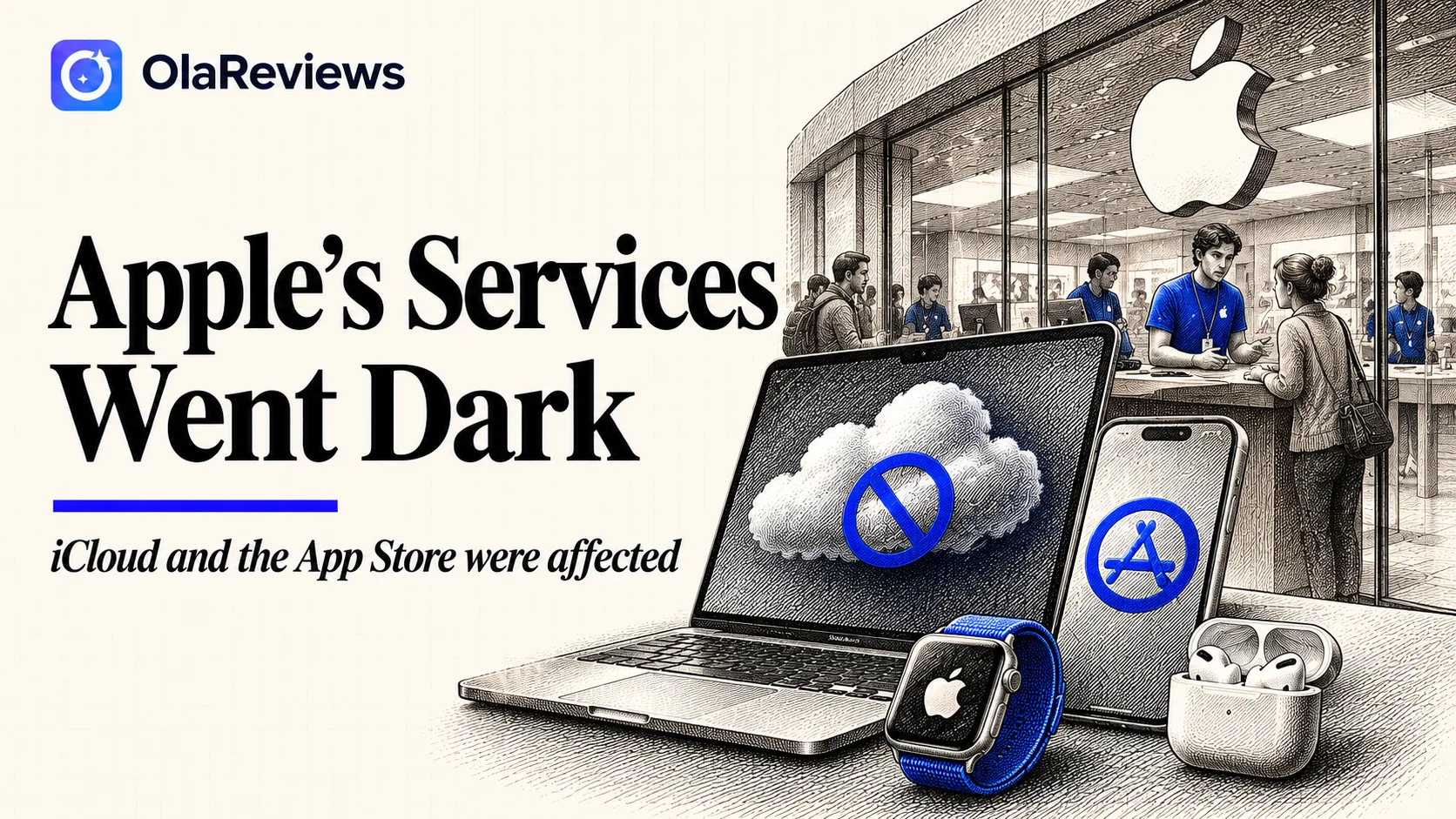
For several hours on Tuesday, owning an Apple device meant being locked out of it. People were signed out of iCloud without warning and could not get back in. The App Store refused to load. Apple Music went quiet. And in a detail most coverage skipped, the failure reached into physical Apple Stores, where staff could not take payments or hand over repairs. Here is what the Apple outage actually broke, what Apple says caused it, and what to do if your own iCloud sign in is still misbehaving.
What Happened and When
The trouble started earlier than most people noticed. Apple’s own System Status page logged an AppleCare problem at around 11:15 am Eastern on Tuesday 17 November, with the main wave of failures following at 11:45 am.
Downdetector reports spiked from roughly 11:40 am. Shortly before 1 pm, each of three services, iCloud, Apple Support and Apple Pay, had drawn roughly 2,000 complaints.
The services affected
Apple acknowledged problems across an unusually wide range of its platform:
- Account access: iCloud Account and Sign In, which Apple listed as affecting all users
- Stores and media: the App Store, Apple Music, AppleCare on Device, the Volume Purchase Program
- iCloud itself: iCloud Mail and the web apps at iCloud.com
- Business and education: Apple Business Manager, Apple School Manager and Schoolwork
- Developers: App Store Connect, including analytics and reports, plus Xcode Cloud
Separately, people flagged failures in iPhone activation, Apple Card and Apple Pay, even though not all of those appeared on the company’s own status listing.
The Part Most Coverage Missed
The disruption was not confined to the internet. Apple’s retail stores were affected too, with reports that payments, order pickups and repair services were blocked, alongside problems at corporate offices.
That is worth noting because it shows how deeply the company’s own operations depend on the same account systems its customers use. When sign-in breaks, the shop floor breaks with it.
Apple’s Explanation
Apple moved relatively quickly to explain itself, which is unusual for a company that rarely discusses its infrastructure.
Speaking to TIME, a spokesperson said the disruption traced back to an update made internally, that much of the estate had already recovered, and that engineers were still restoring what remained. The same explanation was reported by Bloomberg’s Mark Gurman.
Apple explicitly ruled out a cyberattack. By Tuesday evening, its System Status page showed every service as available again.
What Apple has not published is any detail about which update, what it changed, or why it had such wide-reaching effects.
This Was the Second iCloud Failure in a Week
Here is the context that makes it more than a bad afternoon. The outage came roughly one week after a separate iCloud incident that affected Mail, Contacts, Calendar and Find My.
Two significant failures in seven days, at a company whose services underpin photos, messages, payments and device activation for hundreds of millions of people, is a pattern rather than bad luck.
A week of broken infrastructure
Apple was not alone. The same seven-day stretch brought a nationwide FAA ground stop traced to a faulty router, a two-day Microsoft 365 collapse covered in our outage report, a United Airlines system failure detailed here, and a software bug at JPMorgan Chase that we explained in our banking outage piece.
No connection links them. What they share is the same uncomfortable lesson about how little redundancy sits behind services treated as permanently available.
What to Do If You Are Still Having Problems
- Check Apple’s System Status page at apple.com/support/systemstatus before troubleshooting your own device.
- Do not reset anything in a panic. Erasing a device or changing your Apple Account password during an outage can make recovery harder.
- Wait before retrying sign-in, since repeated failed attempts can trigger security lockouts.
- Restart the device once Apple reports services restored, which clears stale authentication.
- Expect delayed syncing as photos, notes and backups catch up.
- Ignore anyone offering to fix it. Outages attract phishing emails and fake support calls. Apple will not contact you asking for your password or a verification code.
A Quick Fix, an Unanswered Question
Apple restored service within a day and was unusually candid about the cause, which counts for something. The harder question is why an internal update could take down sign-in, retail payments and developer tools simultaneously, twice in a week. Check the official status page before troubleshooting, avoid resetting anything mid-outage, and treat unsolicited support messages as scams.
Frequently Asked Questions
Apple says an internal update caused it. The company explicitly ruled out a cyberattack and has not published further technical detail.
Account sign-in for iCloud, plus Apple Music, the App Store, iCloud Mail and iCloud.com, AppleCare on Device, App Store Connect, and the Business and School Manager tools, among others.
Yes. Reports indicated that payments, pickups and repairs at physical stores were disrupted.
Apple’s System Status page listed all services as available by Tuesday evening.