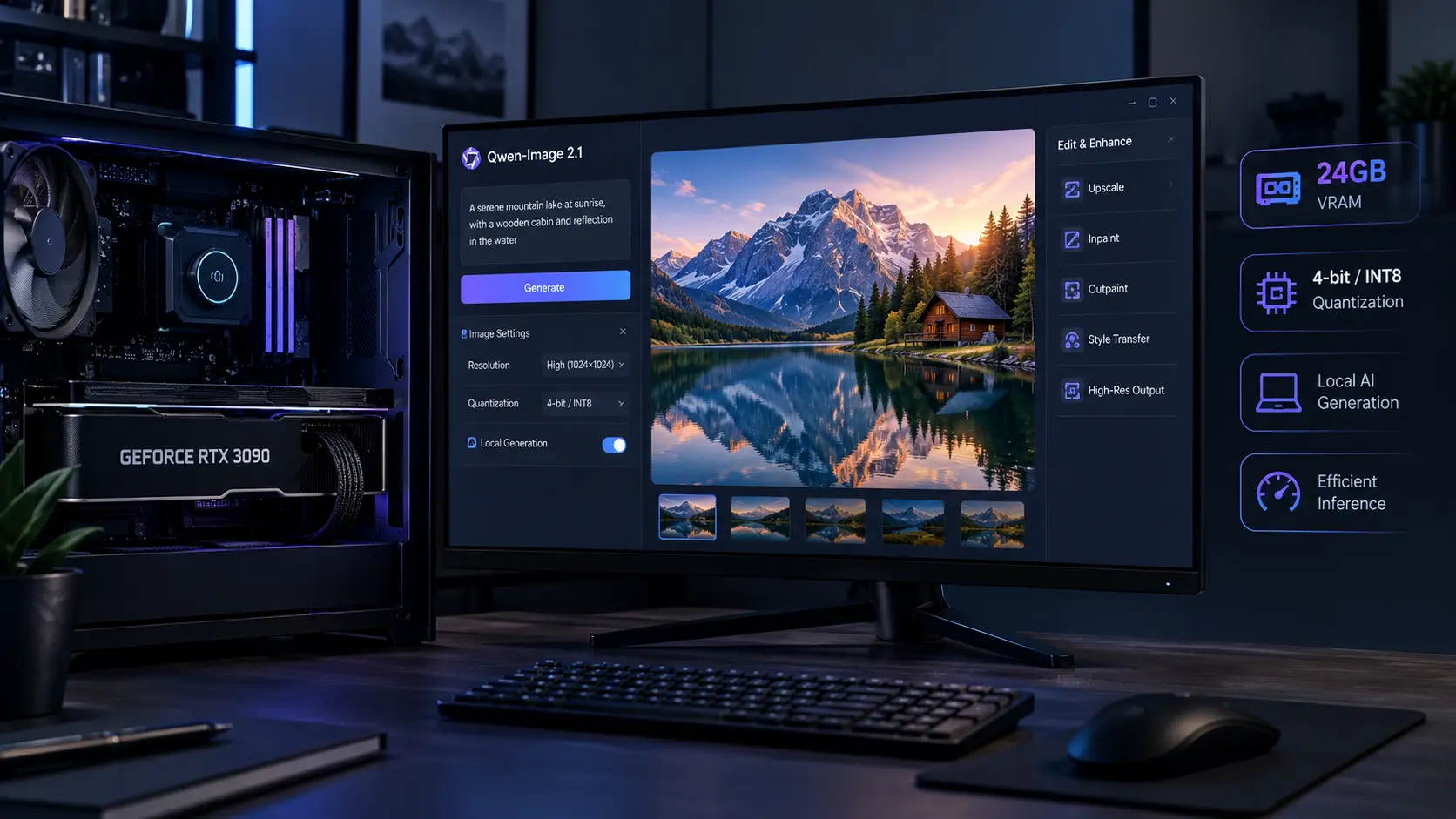
The most interesting part of Qwen-Image 2.1 is not simply that its visual generator has 7 billion parameters. The real surprise is how the model changes the local hardware equation. A full BF16 installation is far too large for a 24GB RTX 3090, but current INT8 and 4-bit setups make local use practical. Recent measurements show why the Qwen-Image 2.1 3090 story depends more on quantization and memory placement than on the model’s headline parameter count.
At the same time, Qwen’s own September 2026 benchmark puts Qwen-Image 2.1 at 60.28, above Nano Banana 2.0 at 59.82, while several closed models still score higher. That makes the useful story less about claiming universal victory and more about what this performance means when the model can actually run on hardware sitting under your desk.
Qwen-Image 2.1 Changes the Local AI Image Generation Equation
Qwen released Qwen-Image 2.1 on September 20, 2026, as a unified model for text-to-image generation and image editing. Its visual generation component uses 32 Single-Stream DiT layers and 7B parameters. It also supports native transparent images and up to 10 reference images for editing. That matters for local AI image generation because users do not need separate generation and editing models for these core workflows. The model also uses mixed-granularity attention and prefix KV-cache reuse. Qwen says the cache allows reference images and editing instructions to be calculated once and reused during later denoising steps, with the biggest benefit appearing in multi-image editing. This is the overlooked hardware detail. Qwen-Image 2.1 is designed around repeated context reuse, not just a smaller parameter count. For more background on AI image generation workflows, see AI image generation tools.
Qwen-Image 2.1 VRAM Requirements Are More Complicated Than “7B”
The standard BF16 files explain the problem. The official Hugging Face repository lists about 14.2GB for the image transformer, 17.5GB for the Qwen3-VL text encoder, and 1.35GB for the VAE. Together, those files are roughly 33GB before normal runtime overhead. So the full BF16 pipeline does not fit on a 24GB RTX 3090 with everything kept in VRAM. Quantization changes that calculation. A recent RTX 5090 test measured:
| Configuration | 1024×1024 Peak VRAM | 2048×2048 Peak VRAM |
|---|---|---|
| 8-bit | 21.3GB | 22.6GB |
| 4-bit | 15.2GB | 15.4GB |
The same test kept the quantized weights on the GPU and completed without CPU spill.
This gives us a practical Qwen-Image 2.1 GPU requirements rule: a 24GB card has useful room for quantized inference, while the exact setup, resolution, reference images, and background applications still matter. A separate current community setup specifically uses an RTX 3090 with 24GB VRAM and official INT8 ConvRot weights as its baseline for Qwen-Image 2.1.
Qwen-Image 2.1 3090: What Actually Fits
The RTX 3090 remains interesting because its 24GB VRAM is enough for several quantized configurations. The important distinction is between model file size and peak VRAM. A 4-bit transformer can be only a few gigabytes, but the complete pipeline also needs its text encoder, VAE, activations, and temporary working memory. Community GGUF testing lists Q4 variants around 4GB to 4.6GB for the diffusion component, while the text encoder can be moved to system RAM to save substantial VRAM.
For a 3090, that creates several practical choices:
- INT8: More memory use, but a strong option when the full setup fits.
- 4-bit: Much more comfortable for VRAM.
- GGUF: Useful when building a lower-memory ComfyUI workflow.
- CPU offload: Useful when VRAM is tight, but it can reduce speed.
This is why the phrase Qwen-Image 2.1 3090 should not mean “download the BF16 model and press generate.” It means choosing the right precision and keeping enough VRAM free for the actual workload.
Qwen-Image 2.1 Benchmark: How Close Is It to Closed Models?
Qwen’s September 2026 Qwen-Image-Bench result is 60.28. A current report of the launch chart places Nano Banana 2.0 at 59.82 and GPT Image 1.5 at 59.65. That supports the “outguns closed models” part of the title in a specific sense: Qwen-Image 2.1 scored above some closed models on Qwen’s own benchmark. But the benchmark does not show universal dominance. Other closed models scored higher, with GPT Image 2.5 Sunburst reported at 67.01.
There is another important limitation. The benchmark comes from Qwen, the model’s developer, and independent reproduction of the launch comparison was not available when the model shipped. That makes the result useful evidence, but not a final verdict on every image task.
Why the Open-Source AI Image Generator Angle Matters
The biggest practical difference is not just image quality. Qwen-Image 2.1 gives users access to the model weights for local research and evaluation, rather than requiring every generation to happen through a closed service. That changes cost, privacy, workflow control, and experimentation.
There is also an important catch. Qwen-Image 2.1 uses the Qwen Research License, which limits use to research and evaluation and requires a separate commercial license for commercial use. So businesses should not treat “open-source AI image generator” as automatically meaning “free for commercial production.”
A Better Way to Read the Qwen-Image 2.1 Review
Our Qwen-Image 2.1 review comes down to one practical insight: the model’s real achievement is the combination of benchmark-level quality and a local deployment path that fits modern consumer hardware after sensible quantization. A 3090 does not magically run the complete BF16 pipeline. It can, however, run practical quantized configurations, and recent measurements show that 4-bit inference can stay around 15.4GB peak at 2048×2048 under one tested setup. That makes Qwen-Image 2.1 unusually interesting for people who already own a 24GB GPU. They can test generation, editing, transparency, and multi-reference workflows locally without treating a cloud API as the only route.
Conclusion
Qwen-Image 2.1 is not interesting because a 7B label makes hardware limits disappear. It is interesting because quantization turns a large multi-component image pipeline into something a 24GB consumer GPU can realistically handle. The benchmark story is also more precise than a simple “open beats closed” headline. Qwen’s own test shows Qwen-Image 2.1 ahead of some closed systems and behind others. The stronger practical point is that a locally runnable model has entered the same benchmark conversation while giving users direct control over the generation stack. For an RTX 3090 owner, that combination is the real development to watch: high-end local AI image generation without needing a new GPU just to start experimenting.
FAQ
Can Qwen-Image 2.1 run on an RTX 3090?
Yes, quantized configurations can run on a 24GB RTX 3090. A current 3090 workflow uses official INT8 ConvRot weights.
What are the Qwen-Image 2.1 VRAM requirements?
There is no single number. BF16 requires far more than 24GB for the complete pipeline, while recent 4-bit testing measured 15.2GB at 1024×1024 and 15.4GB at 2048×2048.
Does Qwen-Image 2.1 beat closed models?
On Qwen’s own Qwen-Image-Bench, its 60.28 score was above several closed models, including Nano Banana 2.0 at 59.82. Other closed models scored higher, so the result should not be read as universal superiority.
Is Qwen-Image 2.1 free for commercial use?
Not under its current Qwen Research License. Commercial use requires a separate commercial license from Qwen.
What makes local AI image generation practical here?
The combination of 7B visual generation, quantization, reference-image support, native transparency, and local weights makes the model workable on consumer GPUs that have enough VRAM.
Leave a Reply