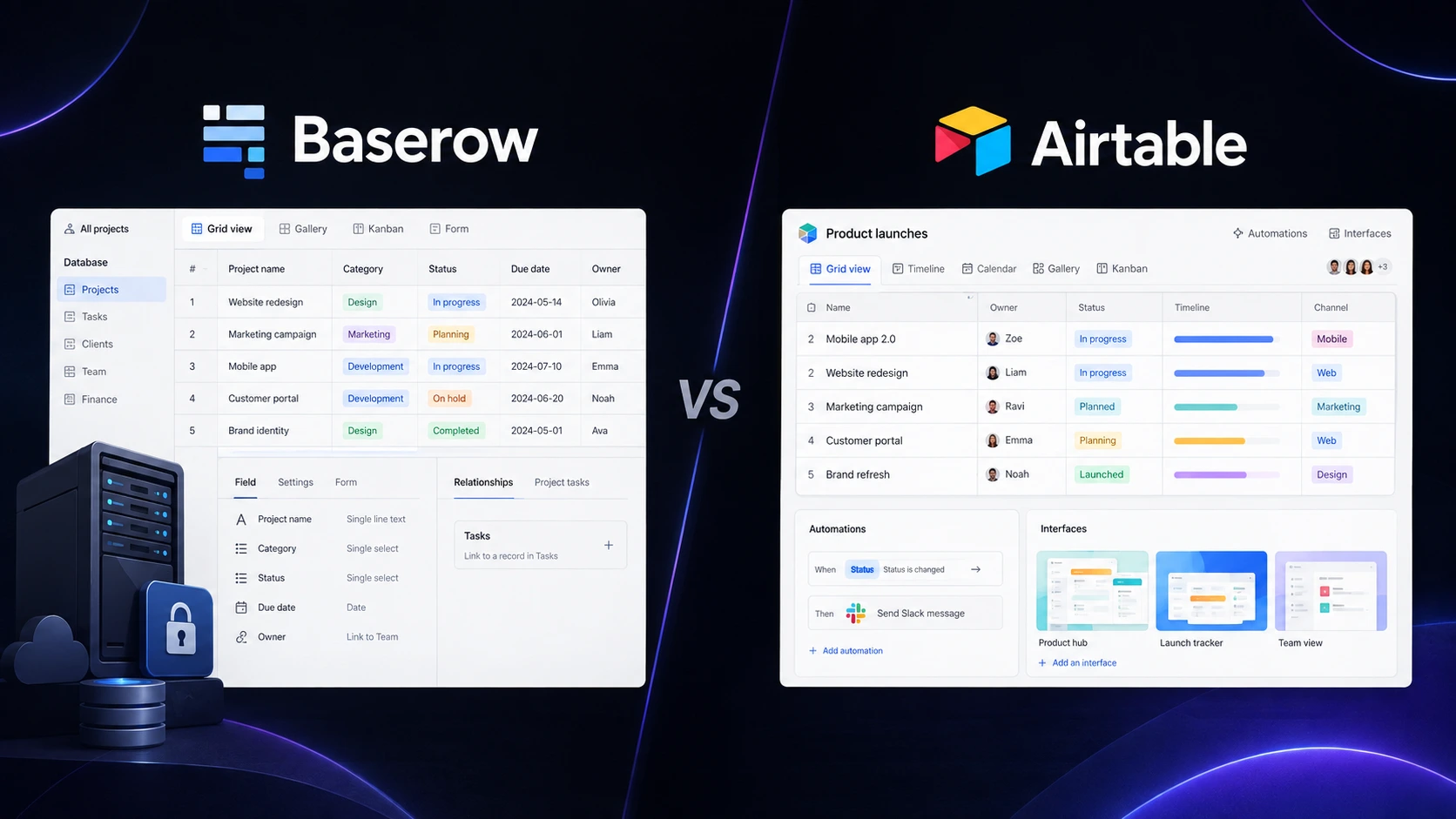
Managing business data in spreadsheets works—until it doesn’t. Once you are tracking leads, projects, customers, content, or inventory across multiple sheets, keeping everything connected becomes surprisingly difficult. That is where No Code Database Tools can help. They give you the structure of a database without requiring you to write SQL or build an application from scratch. Two of the strongest options are Baserow and Airtable. Both use familiar spreadsheet-style interfaces, but they take different approaches to pricing, collaboration, customization, and data control. Baserow stands out for its open-source roots and self-hosting options, while Airtable has a mature ecosystem for teams building connected workflows.
Editorial disclosure: This comparison is based on independent product research and hands-on evaluation. Pricing and feature limits can change, so check the linked official pricing pages before purchasing.
How We Evaluate No-Code Database Tools
We evaluated 2 tools Baserow and Airtable for practical no-code database management workflows. The focus was on how well each platform works for small businesses, startups, marketers, project managers, freelancers, and collaborative teams.
Our evaluation focused on:
- Ease of setup: How quickly you can create a useful database.
- Views and organization: Filtering, sorting, Kanban, calendar, forms, and other ways to work with records.
- Automation: How easily repetitive tasks can be handled without code.
- Collaboration: Permissions, comments, sharing, and team workflows.
- Pricing and limits: Free-plan capacity and the cost of scaling.
- Data control: Import/export capabilities and self-hosting options.
The goal was not simply to count features. We looked at how these online database tools behave when you actually need to turn spreadsheet-style information into a working business system.
At-a-Glance Comparison
| Tool Name | Best For | Starting Price |
| Baserow | Open-source databases, self-hosting, flexible data management | Free; Premium from $10/user/month annually |
| Airtable | Teams building connected workflows and business applications | Free; Team from $20/user/month annually |
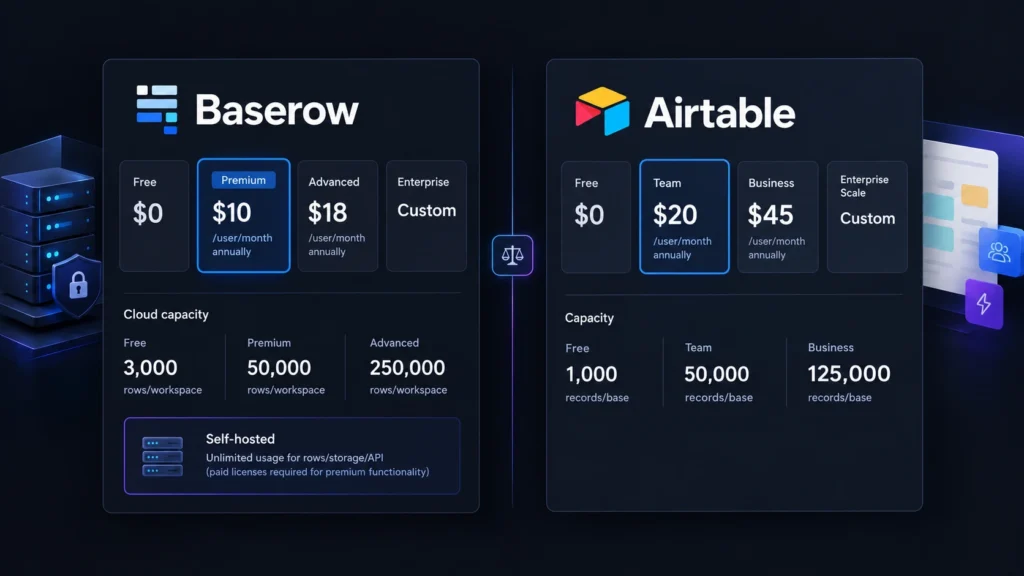
Baserow’s current cloud Free plan includes 3,000 rows per workspace, while Premium increases that to 50,000 rows per workspace.
Airtable’s Free plan is designed for lightweight use, while its Team plan costs $20 per collaborator per month when billed annually and supports up to 50,000 records per base.
Baserow: Best No-Code Database Management Tool for Data Control
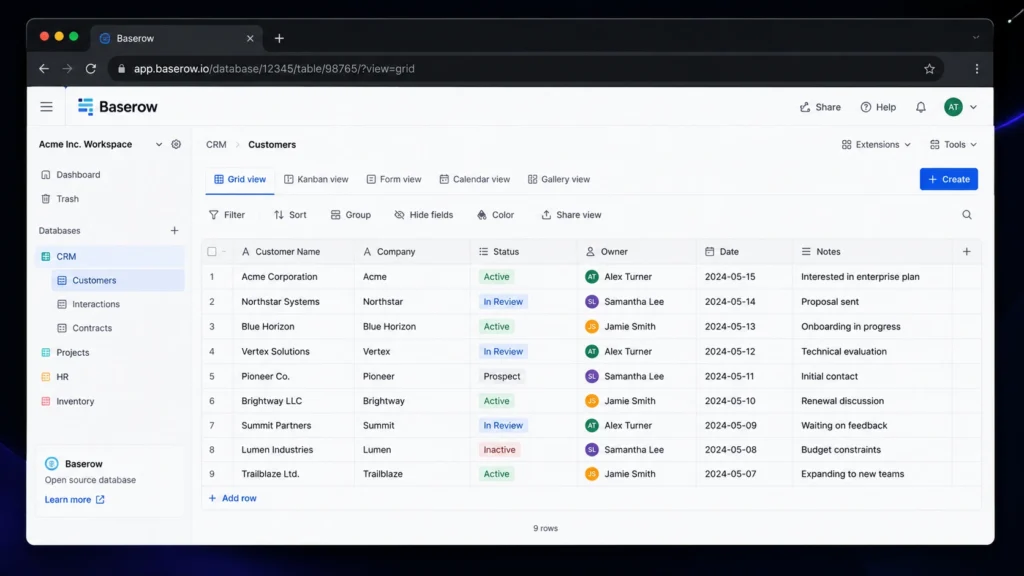
Baserow is the better fit when you want a database that feels like a spreadsheet but gives you more control over where and how your data lives. One useful detail appears when you start building a database: Baserow supports creating tables from scratch as well as importing existing data. Its current platform supports CSV, Excel, XML, and JSON import formats.
The workflow is straightforward. You create a database, add tables, and then define fields for information such as names, dates, statuses, files, or relationships. Instead of maintaining duplicated information across several spreadsheets, you can connect related tables and build a more structured no-code database. Its views are also practical. Baserow’s current pricing documentation lists Grid, Form, Gallery, Kanban, Survey, Calendar, and Timeline views across its paid tiers.
The feature that makes Baserow particularly interesting is its self-hosted option. Instead of keeping everything exclusively on the vendor’s cloud infrastructure, organizations can run Baserow on their own server. Baserow’s documentation says self-hosted versions have unlimited storage and usage limits, although premium functionality still requires a license. That makes Baserow especially attractive if data ownership is a major consideration for your business.
Pros
- Open-source and self-hosting options provide strong data control.
- Flexible database views and relational features without requiring traditional programming.
Cons
- The free cloud plan can become restrictive once your database grows.
- Some advanced permissions and governance features require higher plans.
Pricing: Baserow Free is $0 with 3,000 rows per workspace. Premium starts at $10/user/month when billed annually or $12 monthly, with 50,000 rows per workspace. Advanced starts at $18/user/month annually or $22 monthly, with 250,000 rows per workspace. Enterprise pricing is custom.
You can check the latest Baserow pricing plans before choosing a tier.
Airtable: Best No-Code Database Tool for Team Workflows
Airtable takes the spreadsheet-plus-database concept and pushes it toward complete business workflows. If your team wants to turn records into forms, interfaces, automations, and collaborative processes, Airtable is particularly compelling.
Creating a view is simple but gives you useful control. You can create different views for the same underlying information and organize records with filters, sorting, grouping, hidden fields, and other options. That means your marketing team can work from one view while a project manager uses another without creating duplicate data.
Airtable’s automation system is another major strength. You can create a trigger and then specify actions that happen automatically when something changes. This can be useful for workflows such as updating records, notifying teammates, or moving information between connected services.
The platform also focuses heavily on turning databases into internal business applications. Instead of asking employees to work directly inside a raw table, you can create interfaces that expose the information and actions they actually need.
For teams already using several business applications, this makes Airtable one of the more mature database management tools in this comparison.
Pros
- Strong automation and collaboration ecosystem.
- Excellent selection of views and application-building capabilities.
Cons
- Paid plans are considerably more expensive than Baserow.
- The free plan is better suited to smaller datasets and lightweight workflows.
Pricing: Airtable Free is $0. The Team plan costs $20/user/month annually or $24 monthly and supports 50,000 records per base. Business costs $45/user/month annually or $54 monthly, with 125,000 records per base. Enterprise Scale pricing is custom. You can compare the current tiers on the official Airtable pricing page.
Baserow vs Airtable: Key Differences
| Feature | Baserow | Airtable |
| Free plan | $0 | $0 |
| Free data capacity | 3,000 rows/workspace | Lightweight use; 1,000 records/base |
| Entry paid plan | $10/user/month annually | $20/user/month annually |
| Self-hosting | Yes | No equivalent self-hosted deployment |
| Spreadsheet-style interface | Yes | Yes |
| Forms | Yes | Yes |
| Kanban | Paid tiers | Available depending on plan |
| Calendar | Paid tiers | Available depending on plan |
| Timeline | Paid tiers | Available depending on plan |
| Automation | Yes | Yes |
| Open-source option | Yes | No |
| API | Yes | Yes |
| Advanced governance | Higher tiers | Business/Enterprise tiers |
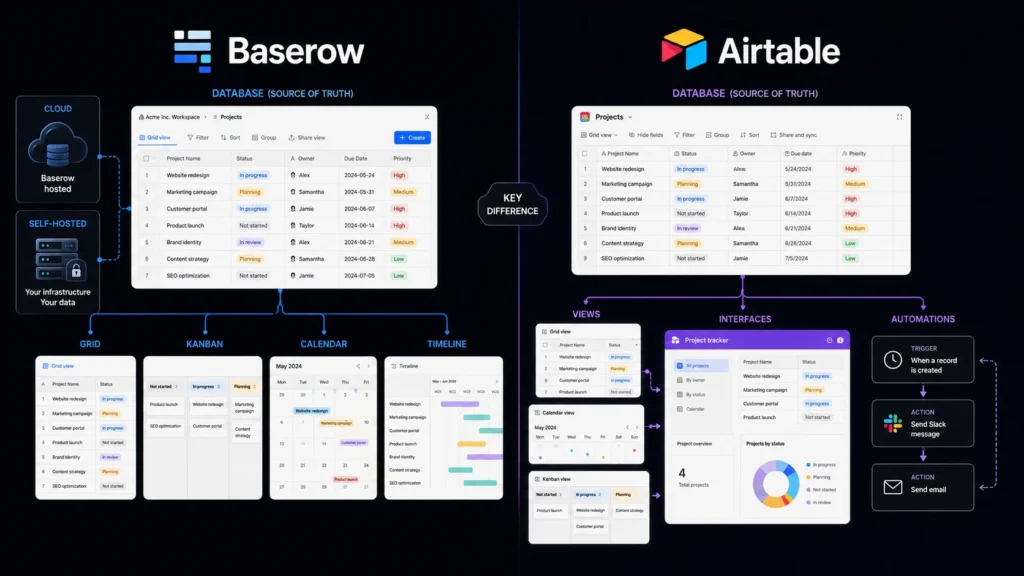
The biggest difference is data control. Baserow offers cloud-hosted and self-hosted deployments, while Airtable primarily operates as a hosted platform. Baserow’s current documentation specifically states that self-hosted versions have unlimited usage limits.
Pricing is another obvious separator. Baserow Premium starts at half the annual per-user price of Airtable Team. If you have a growing team with several editors, that gap can become meaningful.
Airtable counters with its broader workflow ecosystem. Its Team plan is specifically positioned for teams building apps and shared workflows, while Business adds higher record capacity and additional administrative functionality.
Which One Should You Choose?
Choose Baserow if you want:
- A more affordable starting point.
- Open-source software and self-hosting.
- More control over your database infrastructure.
- A straightforward alternative to traditional spreadsheets.
- A flexible no-code database for internal tools, projects, inventory, or customer information.
Choose Airtable if you want:
- A mature platform for team workflows.
- Strong automation capabilities.
- Rich interfaces and application-building features.
- Extensive integrations with other business software.
- A polished environment for collaborative teams.
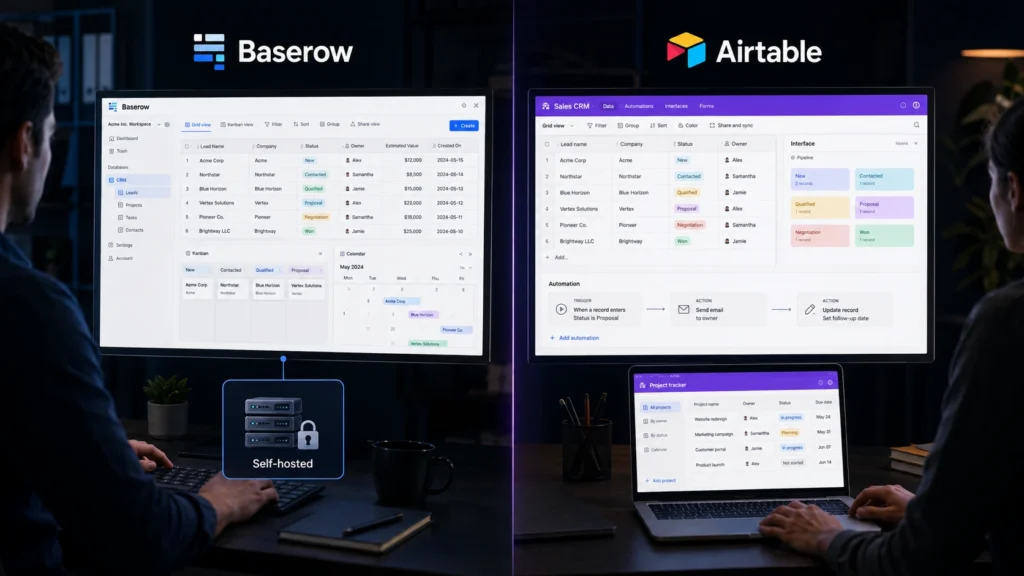
If your priority is ownership, flexibility, and cost, Baserow has the stronger argument. If you care more about workflow depth, integrations, and polished team applications, Airtable is likely the better fit.
Final Verdict
Both platforms show why No Code Database Tools have become useful alternatives to increasingly complicated spreadsheets. Baserow is the stronger choice when affordability, open-source software, self-hosting, and data control are high priorities. Airtable makes more sense when your team needs sophisticated workflows, automations, interfaces, and a mature business ecosystem. The easiest way to decide is to build the same small project in both free plans a CRM, content calendar, or project tracker and see which one feels more natural
Frequently Asked Questions
Is Baserow better than Airtable for a small business?
It can be. Baserow’s Free plan provides 3,000 rows per workspace, while its Premium plan starts at $10/user/month when billed annually. If you’re budget-conscious or want the option to self-host, Baserow deserves serious consideration.
Are No-Code Database Tools suitable for non-technical users?
Yes. Both platforms use spreadsheet-style interfaces, so you can create fields, organize records, build views, and develop workflows without traditional programming. You can start with a simple table and gradually introduce relationships, forms, automations, and other features as your needs grow.
Is Airtable’s free plan enough?
It depends on your workload. Airtable says its Free plan is intended for individual users, very small teams, and lightweight needs. Its Team plan raises capacity to 50,000 records per base. For a small contact list, editorial calendar, or basic project tracker, Free may be enough. If you’re building a central operational database, you may outgrow it sooner.
Leave a Reply