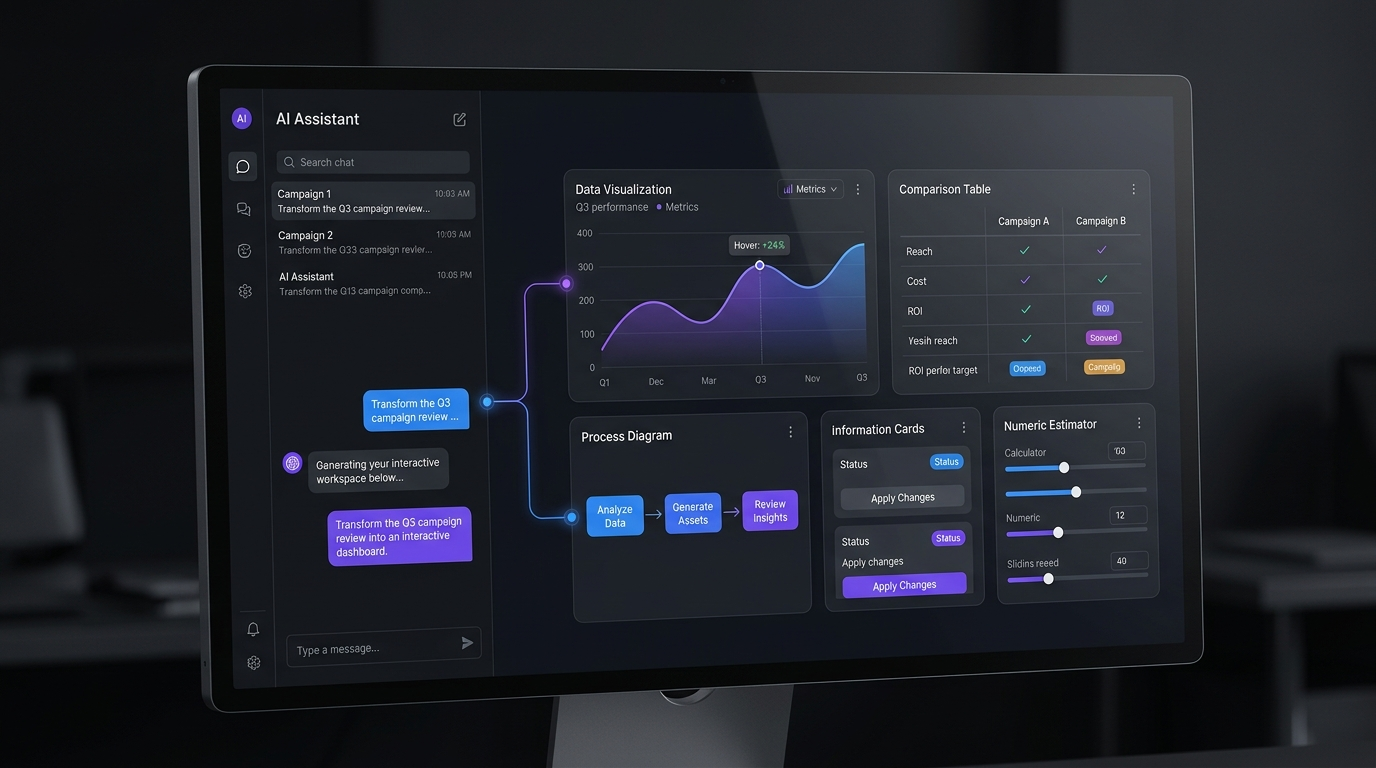
ChatGPT is moving beyond text-only answers. On October 7, 2026, OpenAI announced GPT-6 with Intelligent UI, a feature that combines written answers with visuals, charts, forms, buttons, and interactive experiences. The rollout began with paid plans and expanded to Free and Go users the following day. The most significant change is not just ChatGPT’s ability to display more visuals. It can choose a format that helps people complete a task, such as comparing products, exploring a diagram, or calculating shared expenses. These GPT-6 features point toward a more practical AI experience, where users can interact with answers instead of only reading them.
What Is ChatGPT Intelligent UI?
The GPT-6 intelligent interface allows ChatGPT to combine text, visuals, and interactive elements in one conversation. According to OpenAI’s official announcement, the interface adapts to the question rather than forcing every answer into the same format. A simple question may still receive a plain-text answer. A complex explanation might include a diagram, while a planning task could benefit from a form or calculator. This flexible AI-powered user interface is designed to make information easier to understand and act on.
7 Ways ChatGPT Intelligent UI Goes Beyond Plain Text
1. It Turns Explanations Into Visual Lessons
Some ideas are easier to understand through pictures than paragraphs. ChatGPT can provide visual explanations, such as diagrams that illustrate how different components relate to one another.
For example, a student learning anatomy could explore a labeled illustration instead of memorizing a long list of terms. ChatGPT’s visual responses can make learning easier, but users should still fact-check important information.
2. It Creates Interactive Tools on Demand
ChatGPT can create small tools directly within a conversation. OpenAI highlights examples such as calculators, bill splitters, and games. Imagine splitting a restaurant bill among friends. An interactive calculator could let you change the total or number of people and see each person’s share. These ChatGPT interactive features turn an answer into something users can adjust and use.
3. It Makes Product Comparisons Easier
Comparing products through long paragraphs can make important differences difficult to spot. An interactive layout can organize prices, specifications, and benefits side by side. For example, someone choosing a laptop could compare battery life, screen size, and price in one place. This ChatGPT interactive UI can simplify decisions, but users should check current prices and specifications before buying.
4. It Turns Data Into Clearer Charts
A spreadsheet may contain hundreds of figures, yet the main trend can remain hidden. ChatGPT can present suitable data through charts and structured tables. A small business owner, for instance, could examine monthly sales figures to identify which products are growing. These ChatGPT data visualization capabilities make reports easier to scan. For accurate results, users should check the source data and calculations. Learn more in OpenAI’s official data analysis guide.
5. It Helps Users Explore Complex Topics
An ordinary explanation gives information, but an interactive diagram can help people explore specific details. For example, a student learning how a machine works could examine its components and focus on one part at a time. This is where GPT-6 multimodal capabilities become useful, combining visual and written information to support different learning needs. The format can make a topic easier to explore, but it does not guarantee that every explanation is complete or correct.
6. It Makes Planning More Practical
Planning a trip involves comparing destinations, travel times, activities, and costs. A structured response can organize these details more clearly than a long paragraph. ChatGPT’s flexible interface can present useful visual elements and interactive experiences when the task supports them. Users can explore travel planning guides for more advice on organizing trips. This ChatGPT dynamic interface can simplify planning, but travelers should confirm opening hours, transport details, and booking conditions before making arrangements.
7. It Can Respond While Continuing to Think
Another important feature is that ChatGPT can begin showing an answer while continuing to work on it. OpenAI says responses may start before the full answer is ready, with additional details appearing afterward. This can be useful for questions that require several steps, especially when ChatGPT uses web search or other tools. However, an early response is not necessarily a complete response. Users should review the finished answer and verify current information before relying on it.
What GPT-6 Intelligent UI Means for Users
The main benefit is the shift from receiving information to working with information. Users can explore a visual lesson, adjust a calculator, compare options, or inspect a chart without needing a separate tool for every small task. Still, an attractive interface does not guarantee accuracy. Visuals can omit details, calculations can depend on incorrect inputs, and recommendations may need independent checking.
OpenAI also provides controls for users who prefer fewer visual elements. On the web, users can open Settings and choose Personalization → Layout and Visuals → Simple. Some visuals may still appear, so this does not create a completely text-only experience. See the official Intelligent UI help guide.
Conclusion
The most valuable GPT-6 features do more than simply give ChatGPT a more visual appearance. They help people understand complex ideas, compare choices, explore data, and use small tools directly within a conversation. The real test is whether these experiences save time and improve understanding. Intelligent UI offers a practical step toward that goal, provided users continue to check important facts and treat interactive answers as helpful tools rather than unquestionable sources.
Frequently Asked Questions
What are the main GPT-6 features in 2026?
Key features include Intelligent UI, visual explanations, interactive charts, forms, on-demand tools, and responses that can begin before the full answer is ready.
Is ChatGPT Intelligent UI available on free plans?
OpenAI announced the rollout for Free and Go users beginning October 8, 2026. Access can vary by account, model, app version, and availability. Check the official GPT-6 guide for current details.
Can users request a simpler interface?
Yes. Users can adjust their visual preferences in ChatGPT settings or request a simpler response style. Some interactive elements may still appear.
Leave a Reply