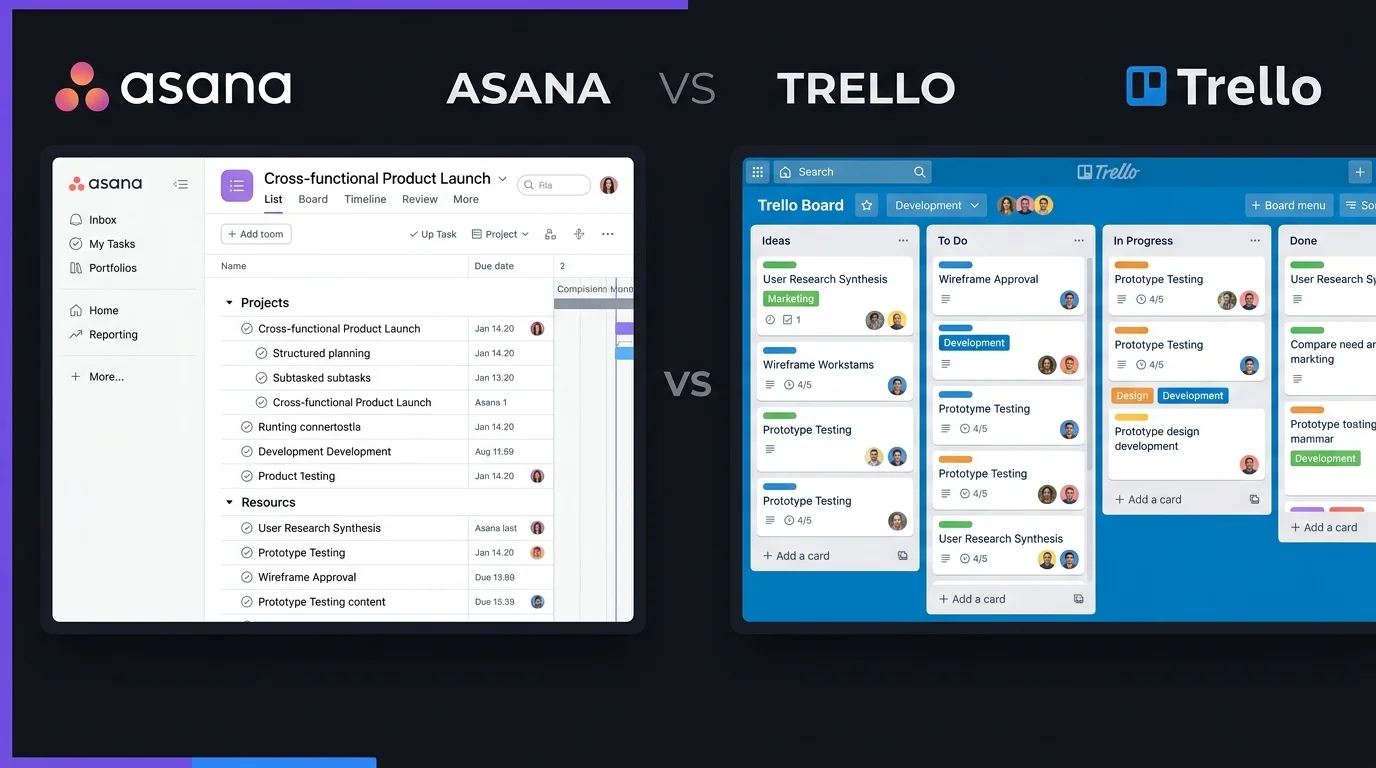
Choosing the right project management tool can make daily work easier to organize. Asana vs Trello is a popular comparison because both tools help users manage tasks, projects, deadlines, and team work, but they take different approaches. Asana offers a more structured system for detailed project planning, while Trello uses simple boards and cards to keep work visual. The right choice depends on your team size, project complexity, budget, and preferred way of working.
Asana vs Trello: Complete Comparison
| Feature | Asana | Trello |
| Overall Rating | 4.7/5 | 4.5/5 |
| Ease of Use | 4.6/5 | 4.8/5 |
| Task Management | 4.8/5 | 4.5/5 |
| Project Planning | 4.8/5 | 4.2/5 |
| Kanban Boards | Yes | Yes |
| List View | Yes | No |
| Calendar View | Yes | Yes |
| Timeline View | Yes | Limited |
| Task Dependencies | Yes | Limited |
| Subtasks | Yes | Checklists |
| Custom Fields | Yes | Yes |
| Automation | Yes | Yes |
| Reporting | Yes | Limited |
| Workload Management | Yes | Limited |
| Templates | Yes | Yes |
| Integrations | 100+ free integrations | Power-Ups and integrations |
| Mobile Apps | Yes | Yes |
| Free Plan | Yes | Yes |
| Best For | Detailed projects and growing teams | Simple visual workflows |
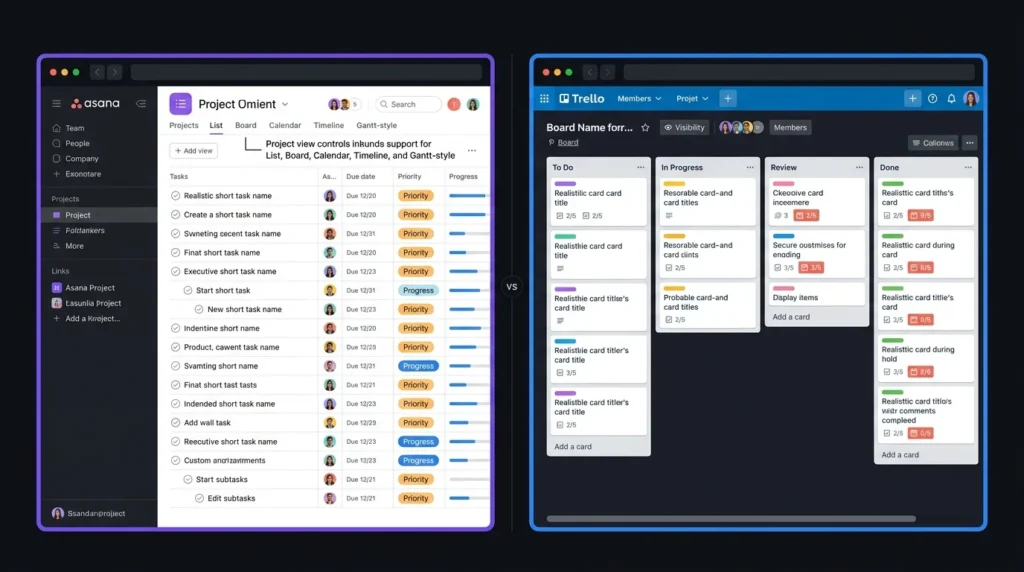
Asana currently provides list, board, calendar, timeline, and Gantt-style views, along with task dependencies, custom fields, forms, workload tools, and workflow features. Trello focuses more strongly on its visual board system and also supports automation and additional Power-Ups.
Asana vs Trello: Task Management
How Asana Handles Tasks
Asana gives teams several ways to organize tasks. Users can assign work, add due dates, create subtasks, set dependencies, and organize tasks inside projects. This makes Asana useful when one project contains many connected tasks. Teams can see what needs to happen first and which tasks depend on other work.
How Trello Handles Tasks
Trello uses boards, lists, and cards. A card can contain descriptions, checklists, due dates, files, comments, and other information. Moving cards between lists provides a simple visual way to track progress. For example, a team can create To Do, In Progress, Review, and Done lists. For straightforward workflows, Trello can be easier to understand than Asana.
Asana vs Trello: Project Planning
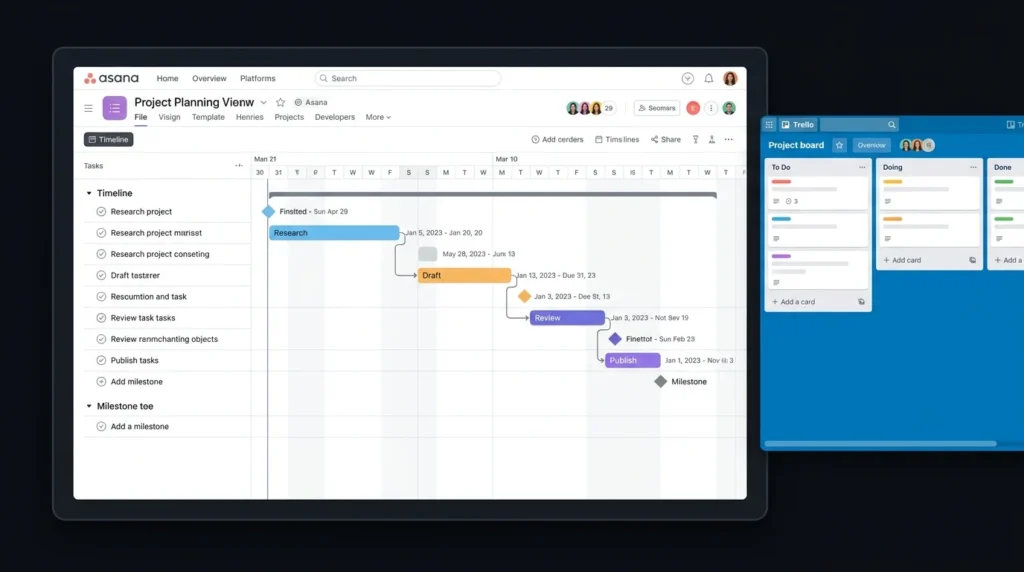
Project planning is one of the biggest differences in the Asana vs Trello comparison. Asana is better suited to projects that require detailed schedules and connected tasks. Its timeline and Gantt-style features can help teams plan deadlines, milestones, and task dependencies. Trello works well for projects that can be managed through a simple visual workflow. It is particularly useful for content planning, simple marketing tasks, personal projects, and smaller team workflows. If your projects regularly involve several stages and dependencies, Asana provides more planning options.
Asana vs Trello: Collaboration Features
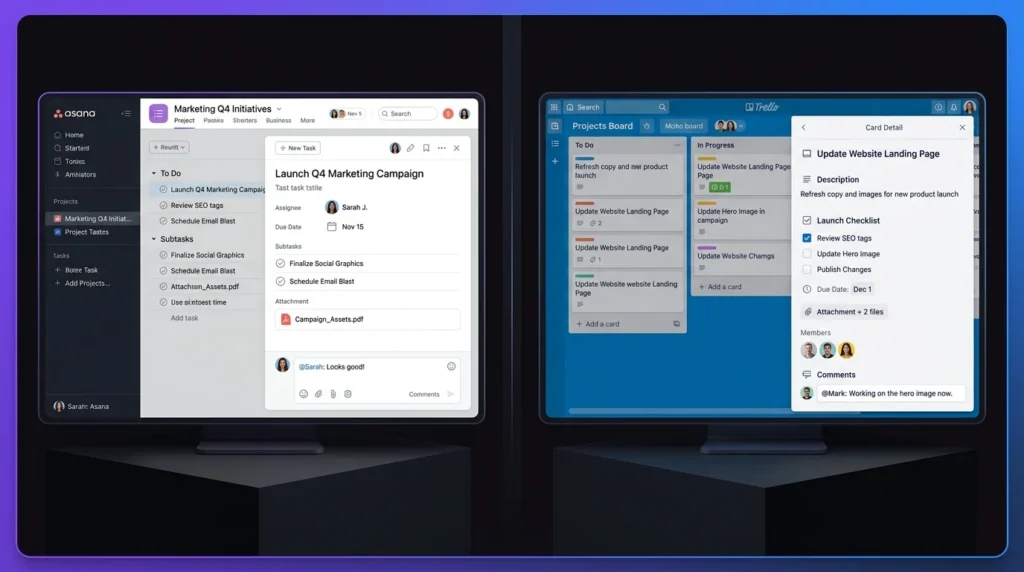
Both platforms allow users to work together, assign tasks, leave comments, share files, and monitor project progress. Asana places more emphasis on structured project collaboration. Teams can connect individual tasks with larger projects and goals. Trello keeps collaboration closely connected to cards. Team members can discuss work directly inside the relevant card, which keeps the system simple. The better option depends on how your team prefers to organize information.
Asana vs Trello: Automation and Integrations
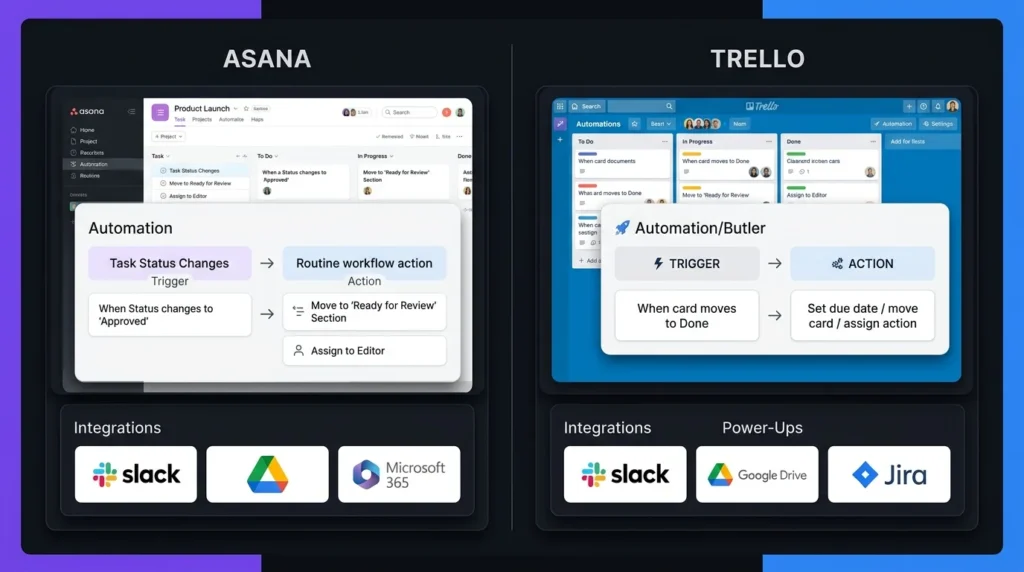
Automation can handle repetitive actions in both tools. Trello includes built-in automation that can trigger actions based on activity on boards and cards. Trello also uses Power-Ups to add extra functions and connections with other services. Asana supports workflow automation and offers more than 100 free integrations on its current Personal plan, including connections with common work tools. For a simple workflow, Trello’s automation is easy to understand. Asana is more suitable when automation needs to fit into a larger project structure.
Asana vs Trello: Pricing Comparison
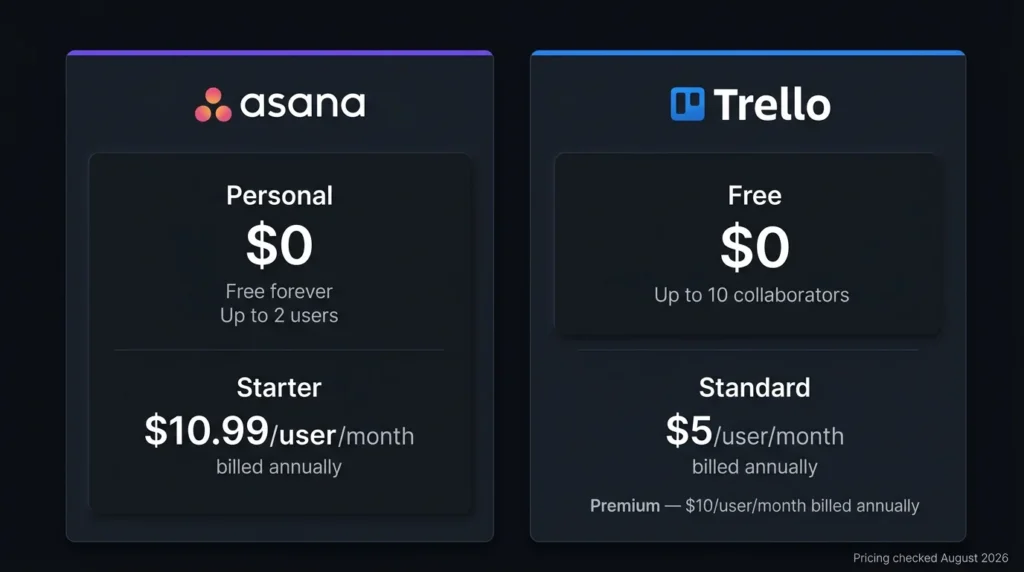
Pricing is an important part of the Asana vs Trello decision.
| Pricing Feature | Asana | Trello |
| Free Plan | $0 | $0 |
| Free Plan Users | Up to 2 users | Up to 10 collaborators per Workspace |
| Paid Plans | Starter, Advanced, Enterprise, Enterprise+ | Standard, Premium, Enterprise |
| Entry Paid Plan | Varies by billing and plan | Standard starts at $5/user/month when billed annually |
| Free Features | Tasks, projects, list, board, calendar and more | Unlimited cards and up to 10 boards per Workspace |
| Free Trial | Available for paid plans | 14-day Premium trial |
| Enterprise Pricing | Custom | Custom |
Asana’s current pricing page lists Personal at $0 and includes unlimited tasks and projects, list, board, and calendar views. Trello’s official pricing page lists its Free plan at $0 and Standard at $5 per user per month when billed annually. Because software pricing can change, check the official pricing pages before making a purchase.
Asana vs Trello: Ease of Use
Trello has an advantage in simplicity. New users can usually understand its board, list, and card system without much training. Asana has more features and project views, so it may take longer to learn. However, those extra options can become useful as projects become more detailed. For a small team that wants a simple visual system, Trello can be a good fit. For teams that need more project controls, Asana offers greater depth.
Asana vs Trello: Which Tool Should You Choose?
Choose Asana if you need:
- Detailed project planning
- Task dependencies
- Multiple project views
- Workload management
- Structured team workflows
- Detailed project tracking
Choose Trello if you need:
- Simple visual boards
- Easy task tracking
- A short learning curve
- Straightforward workflows
- A generous free plan for small teams
The Asana vs Trello choice should depend on how your team actually works. Choosing a tool with more features does not automatically make it better if your team only needs a simple task board.
Final Thoughts on Asana vs Trello
The Asana vs Trello comparison comes down to the type of workflow you need. Trello is a strong option for users who want simple boards, cards, and visual task tracking. Asana is better suited to users who need detailed project planning, dependencies, multiple views, and structured workflows. Before choosing, consider your team size, project complexity, required features, and budget. For simple work management, Trello can be enough. For more detailed project planning, Asana provides a wider set of tools.
FAQs About Asana vs Trello
Is Asana better than Trello for large teams?
Asana can be a better choice for large teams handling complex projects, multiple deadlines, dependencies, and detailed workflows. Trello can work well for larger groups when their work follows a simple board-based process.
Is Trello easier to use than Asana?
Yes. Trello’s board-and-card structure is generally easier for beginners to understand. Asana offers more project planning options, which can require more time to learn.
Which is cheaper, Asana or Trello?
Trello has a lower starting paid price. Its Standard plan starts at $5 per user per month when billed annually, while Asana uses a different plan structure and pricing model. Both offer free plans.
Can Asana and Trello manage personal projects?
Yes. Both tools can be used for personal tasks, content planning, study projects, and other individual work. Trello is useful for simple visual planning, while Asana offers more ways to organize detailed projects.
Leave a Reply