Top AI Video Creation Software Face-Off: Google Veo vs Kling AI (Tested)
Top AI Video Creation Software Face-Off: Google Veo vs Kling AI (Tested) Share to your friends Creat
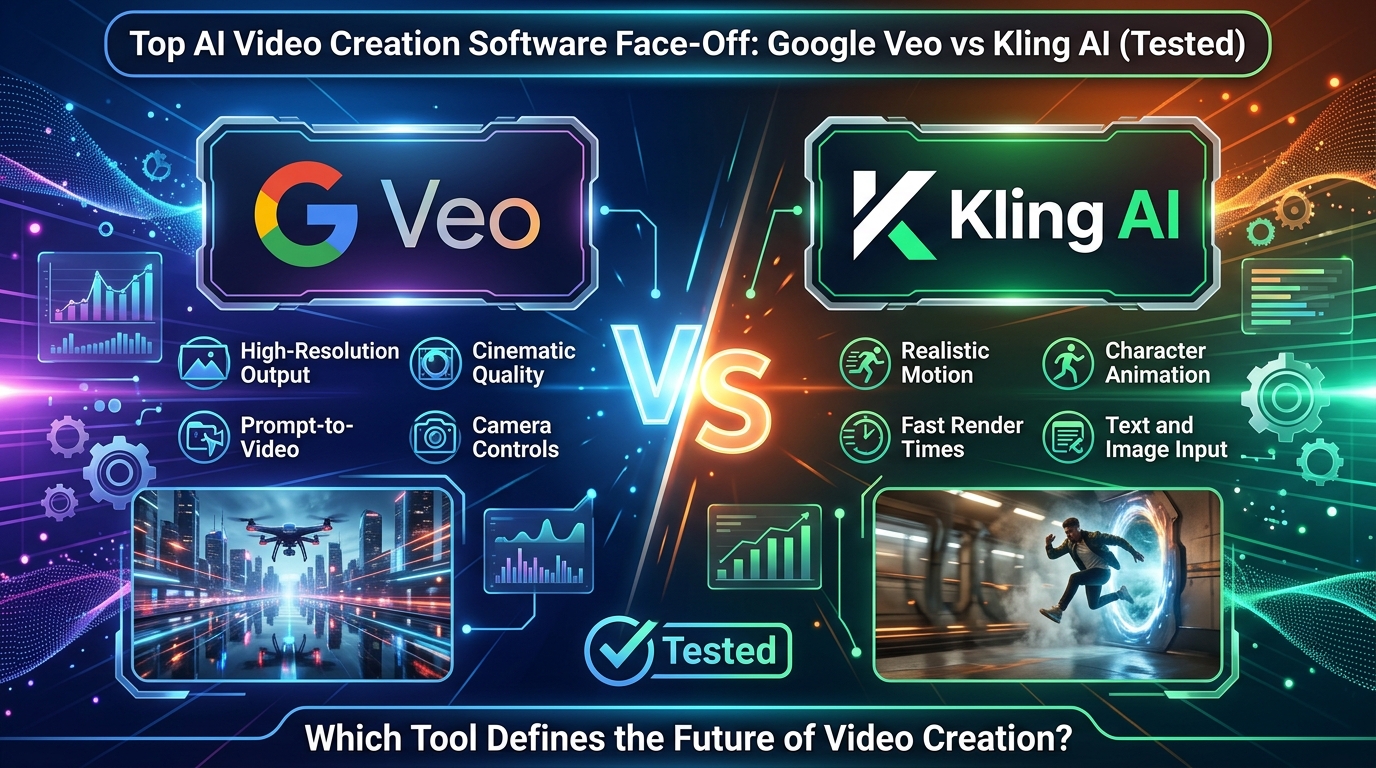
Creating videos with artificial intelligence has become much easier, but choosing the right AI Video Creation Software can still be difficult. Google Veo and Kling AI are two of the most talked-about tools for turning text prompts into videos. This comparison looks at video quality, prompt accuracy, ease of use, pricing, and overall value to help you decide which platform fits your needs.
Feature | Google Veo | Kling AI | ||
Developer | Google DeepMind | Kuaishou Technology | ||
Primary Focus | AI-powered cinematic video generation | AI video generation with realistic motion and image-to-video conversion | ||
Input Methods | Text-to-video, image-to-video | Text-to-video, image-to-video | ||
Maximum Video Length | Up to 8 minutes (depending on version and access) | Up to 2–3 minutes (varies by model/version) | ||
Video Quality | High-quality, cinematic, photorealistic | High-quality with realistic animation and smooth motion | ||
Resolution | Up to 1080p (higher resolutions may be supported in newer versions) | Up to 1080p | ||
Motion Realism | Excellent natural movement and physics simulation | Excellent character movement and realistic facial expressions | ||
Prompt Understanding | Advanced natural language understanding | Strong prompt interpretation with detailed scene control | ||
Image-to-Video | Yes | Yes | ||
Character Consistency | Excellent across multiple scenes | Very good with improved consistency | ||
Camera Controls | Advanced cinematic camera movements | Multiple camera angles and motion controls | ||
Scene Consistency | Excellent for long storytelling sequences | Very good for short and medium-length videos | ||
Editing Features | Scene extension, object editing, style adjustments | Motion editing, frame continuation, style customization | ||
Visual Style Support | Photorealistic, cinematic, animation, artistic | Photorealistic, anime, 3D, artistic styles | ||
Physics Simulation | Advanced real-world physics | Strong physics and motion simulation | ||
Audio Generation | Supported in newer Veo versions | Limited or unavailable in most versions | ||
Speed | Fast cloud-based rendering | Fast rendering with multiple quality modes | ||
API Availability | Available through Google AI ecosystem (selected users) | Limited API availability | ||
Best For | Filmmakers, advertisers, professional content creators, storytelling | Social media creators, marketers, short-form video production | ||
Ease of Use | Beginner-friendly with professional capabilities | Beginner-friendly with intuitive interface | ||
Platform Availability | Google AI ecosystem (limited regions/access) | Web platform with global availability (varies by region) | ||
Pricing | Included with eligible Google AI plans | Free and paid subscription plans | ||
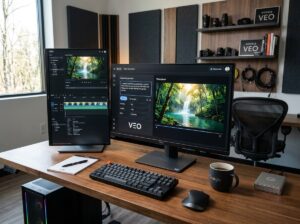
Google Veo is Google’s latest AI Video Creation Software designed to generate realistic videos from text and image prompts. It focuses on natural movement, detailed environments, and longer video generation compared to many competitors. It also works well with Google’s creative tools, making it useful for filmmakers and content creators.
Text-to-Video Generation: Creates videos from simple or detailed written prompts.
Image-to-Video Support: Animates still images into realistic video sequences.
Realistic Motion: Produces smooth character movement and natural camera motion.
High-Quality Visuals: Generates detailed environments with lifelike lighting and textures.
Longer Video Creation: Supports longer video clips than many AI video generators.
Prompt Accuracy: Understands complex instructions and follows creative direction closely.
Camera Controls: Supports cinematic effects such as zoom, pan, tracking, and different camera angles.
Creative Integration: Works with Google’s AI creative tools, including Flow, for a more complete content creation workflow.
Multiple Styles: Can generate realistic, artistic, or animated videos based on the prompt.
Content Safety: Includes built-in safeguards to help reduce the creation of harmful or misleading content.
Official Website: https://deepmind.google/models/veo/
Google Business Profile: No dedicated Google Business Profile available.
Rating: 6.9/10
Trustpilot: No official Trustpilot profile available.
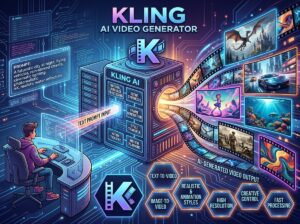
Kling AI is an AI Video Creation Software developed for users who want fast video creation with realistic motion. It supports both text-to-video and image-to-video generation while offering free access for new users. It has become popular among creators making short videos for social platforms.
Official Website: https://klingai.com/
Google Business Profile: No dedicated Google Business Profile available.
Rating: 4.9/5
Trustpilot: https://www.trustpilot.com/review/klingai.com
Google Veo delivers highly detailed videos with realistic lighting and smooth camera movement. Kling AI also creates impressive results, especially for short-form content, although some scenes may require prompt adjustments.
Google Veo generally follows detailed prompts more closely, making it a strong choice for storytelling. Kling AI performs well with simple and creative prompts but may need additional edits for complex scenes.
Google Veo currently has limited availability through selected Google AI plans. Kling AI offers both free and paid plans, making it easier for beginners to start without an upfront cost.
Both AI Video Creation Software platforms have user-friendly interfaces. Kling AI is easier for first-time users, while Google Veo provides more advanced creative controls for experienced creators.
Both tools deliver impressive AI-generated videos, but they serve different users. Google Veo is better suited for creators who want cinematic quality, detailed prompt handling, and longer video generation. Kling AI is a practical choice for users who create social media content and want affordable access with a shorter learning curve. The best AI Video Creation Software depends on your budget, creative goals, and the type of videos you plan to produce.
Google Veo generally produces more cinematic and realistic video quality, while Kling AI performs very well for everyday content creation.
Yes. Kling AI offers a free plan with limited usage, along with paid plans that provide more features and generation credits.
Yes. Google Veo supports image-to-video generation, allowing users to animate still images with realistic motion.
Kling AI is easier for beginners because it offers a simple interface and a free starting plan, while Google Veo is better suited for users who need advanced creative controls.
Top AI Video Creation Software Face-Off: Google Veo vs Kling AI (Tested) Share to your friends Creat
Top 7 AI Productivity Tools Compared: The Ultimate Workflow Efficiency Test Share to your friends Ch