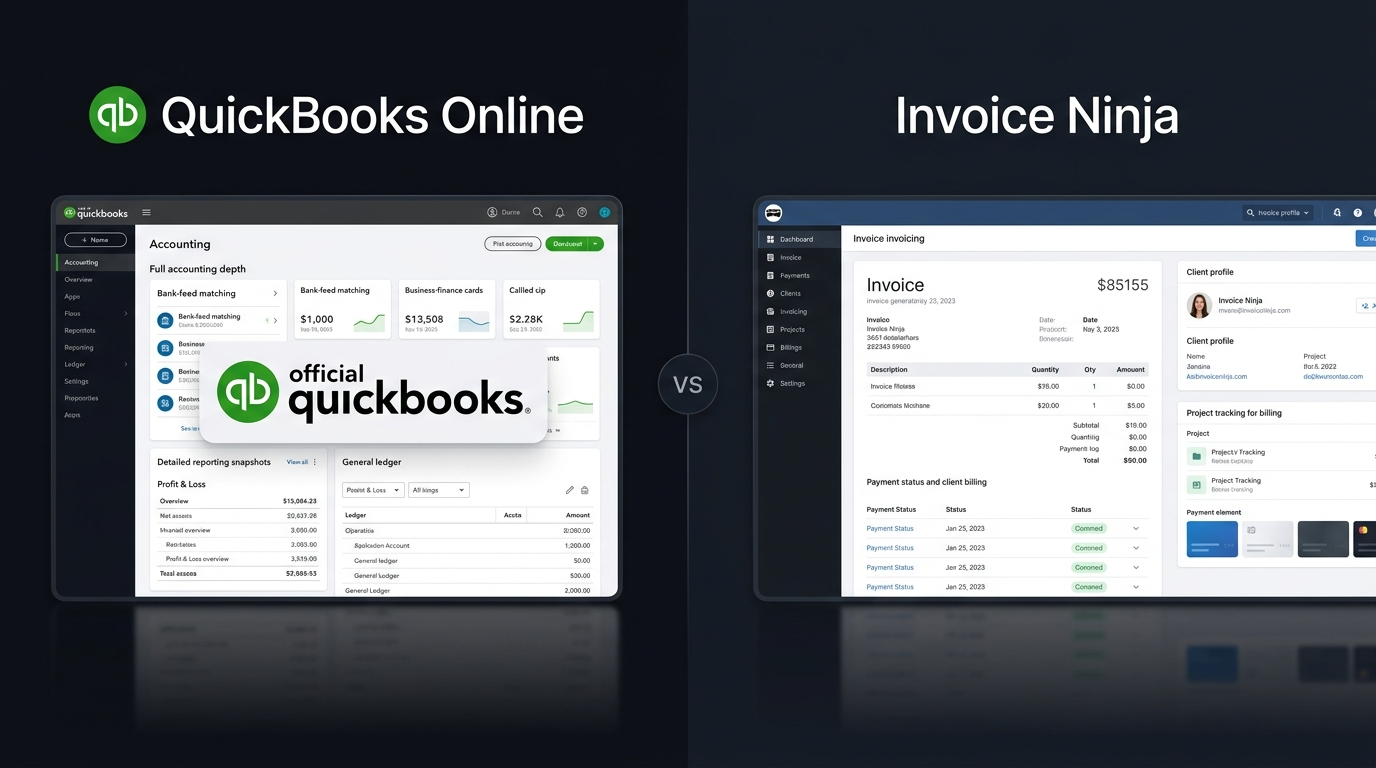
Choosing between QuickBooks vs Invoice Ninja depends on how much financial management your business needs. QuickBooks is designed as a broader accounting platform, while Invoice Ninja focuses heavily on invoicing, payments, clients, expenses, projects, and time tracking. Both tools can help small businesses manage money and get paid, but they serve different types of users. QuickBooks makes more sense when accounting is a major part of your daily work. Invoice Ninja can be a better fit when your main goal is creating invoices, collecting payments, and managing client work at a lower cost.
QuickBooks vs Invoice Ninja: What Is the Main Difference?
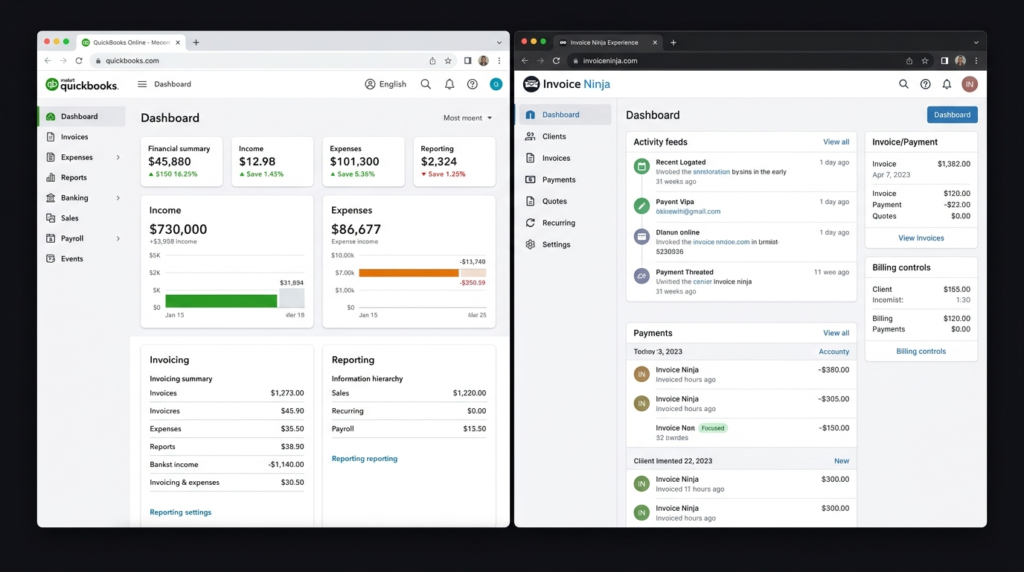
The main difference in QuickBooks vs Invoice Ninja is the depth of their financial tools. QuickBooks offers invoicing, expense tracking, bank feeds, tax features, financial reports, inventory, bills, and other accounting functions depending on the plan. Its official feature list includes income and expense tracking, bank feeds, tax tools, inventory, invoicing, and receipt management. Invoice Ninja takes a more focused approach. It provides invoices, quotes, recurring billing, online payments, expenses, projects, time tracking, inventory, client portals, and other tools for freelancers and small businesses. So, QuickBooks vs Invoice Ninja is not simply a choice between a good tool and a basic tool. Invoice Ninja offers a wide set of business features, but QuickBooks goes deeper into traditional accounting.
QuickBooks vs Invoice Ninja: Features Compared
| Feature | QuickBooks | Invoice Ninja |
| Main purpose | Business accounting | Invoicing and business billing |
| Invoicing | Yes | Yes |
| Recurring invoices | Yes | Yes |
| Online payments | Yes | Yes |
| Expense tracking | Yes | Yes |
| Bank connections | Yes | Enterprise |
| Financial reports | Extensive | Yes |
| Profit & loss reports | Yes | Yes |
| Tax tools | Yes | Yes |
| Time tracking | Selected plans | Yes |
| Project management | Selected plans | Yes |
| Inventory | Selected plans | Yes |
| Client portal | Yes | Yes |
| Multiple currencies | Plan dependent | Yes |
| Mobile apps | Yes | Yes |
| Free plan | No permanent free plan | Yes |
| Self-hosting | No | Yes |
| Best for | Full accounting | Freelancers and invoice-focused businesses |
The QuickBooks vs Invoice Ninja feature comparison shows that both platforms can handle everyday billing work. QuickBooks has the advantage when you need broader accounting, while Invoice Ninja has strong tools for client billing and project-based work.
QuickBooks vs Invoice Ninja: Pricing Comparison
Pricing can make a major difference in QuickBooks vs Invoice Ninja, especially for freelancers and very small businesses.
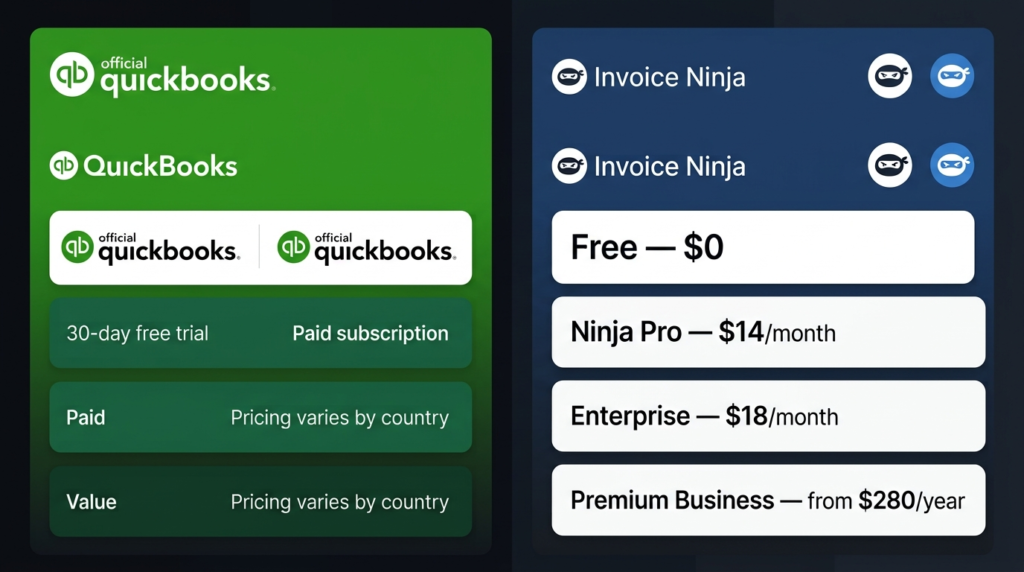
QuickBooks pricing depends on the country and selected plan. Its official global pricing page provides plan information for different markets, while the Pakistan page currently lists Simple Start, Essentials, Plus, and Advanced options with local pricing information.
Invoice Ninja has a permanent free plan. Its current pricing page lists Free at $0, Ninja Pro at $14 per month, Enterprise from $18 per month, and Premium Business from $280 per year.
| Pricing | QuickBooks | Invoice Ninja |
| Free plan | No permanent free plan | $0 forever |
| Free trial | 30-day trial | 30-day money-back guarantee on paid plans |
| Entry option | Varies by country | Free, up to 5 clients |
| Paid plan | Varies by country and plan | Ninja Pro: $14/month |
| Annual Pro | Varies by country and plan | $140/year |
| Enterprise | Higher plans available | From $18/month |
| Premium Business | Higher plans available | From $280/year |
| Best for budget | Businesses needing accounting | Freelancers and small businesses |
Invoice Ninja’s free plan includes up to five clients and unlimited invoicing. Its Pro plan provides unlimited clients and invoices, while Enterprise adds features such as additional users, permissions, bank account syncing, and electronic invoicing.
For the latest QuickBooks prices, check the official QuickBooks pricing page before subscribing because prices and offers can vary by market.
For Invoice Ninja, you can check the official Invoice Ninja pricing page for the current plan details.
QuickBooks vs Invoice Ninja: Accounting Features
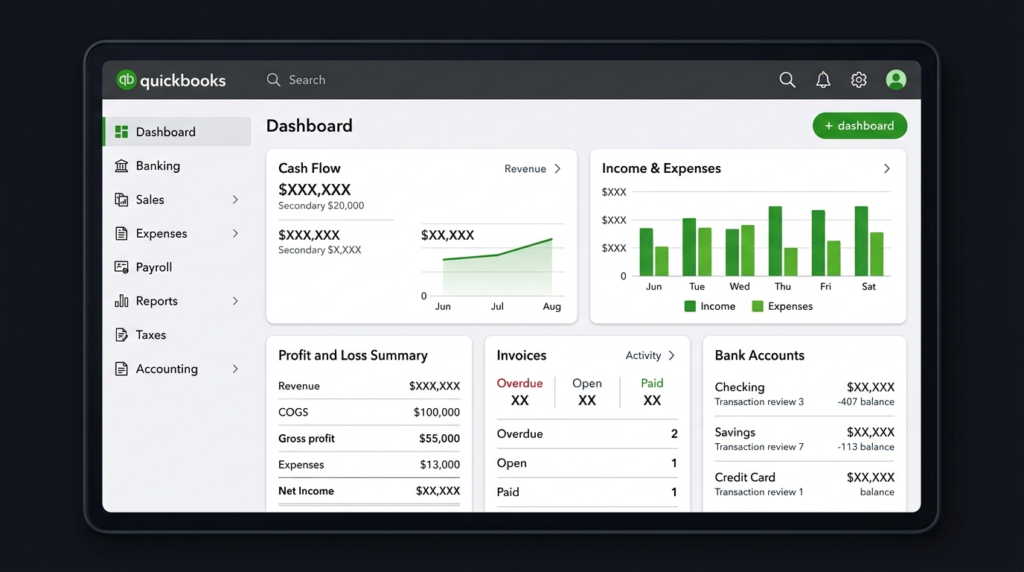
For accounting, QuickBooks vs Invoice Ninja gives QuickBooks the stronger position. QuickBooks is designed to give businesses a wider view of their finances. Depending on the plan, users can track income and expenses, connect banks, manage bills, monitor taxes, manage inventory, and create financial reports. QuickBooks also supports professional invoices and payment reminders. Invoice Ninja can track expenses and vendors and provides financial reports. Its Pro plan includes invoice, expense, and profit-and-loss reports. Enterprise users can also connect bank accounts. For someone who needs full accounting records, QuickBooks is therefore the more suitable choice. For someone who mainly needs billing with some financial tracking, Invoice Ninja can be enough.
QuickBooks vs Invoice Ninja: Invoicing and Payments
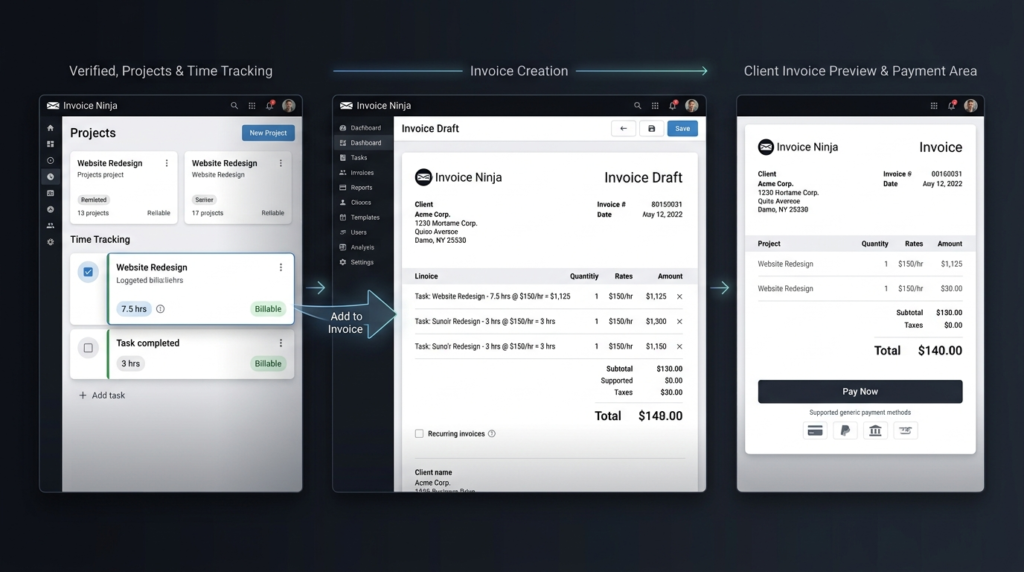
When comparing QuickBooks vs Invoice Ninja for invoicing, the difference is smaller. Both platforms let users create and send professional invoices, manage recurring invoices, and accept online payments. QuickBooks can also match payments to invoices and send payment reminders. Invoice Ninja places even more attention on invoicing. It supports customizable invoice templates, online payment gateways, recurring billing, deposits, partial payments, payment reminders, and client payment portals. For freelancers and agencies, Invoice Ninja can be particularly useful because tracked project time can be converted directly into invoices.
QuickBooks vs Invoice Ninja: Ease of Use
Ease of use in QuickBooks vs Invoice Ninja depends on what you want to accomplish. Invoice Ninja can feel simpler when your regular tasks involve creating invoices, sending quotes, tracking expenses, recording billable time, and managing clients. Its workflow is centered around these activities. QuickBooks offers more financial functions, so there can be more to learn. That added depth becomes useful when your business needs detailed financial reports, bank feeds, tax tracking, bills, or inventory. If you only need billing software, paying for and learning a complete accounting system may not be necessary.
QuickBooks vs Invoice Ninja: Which Is Better for Freelancers?
For freelancers, QuickBooks vs Invoice Ninja often comes down to simplicity and accounting depth. Invoice Ninja is a strong option for freelancers who need invoices, quotes, online payments, expenses, projects, and time tracking. Its free plan can also be useful for someone with a small client base. QuickBooks is better suited to freelancers with more complicated finances who want their invoicing connected with broader accounting records.
QuickBooks vs Invoice Ninja: Which Is Better for Small Businesses?
For small businesses, QuickBooks vs Invoice Ninja depends on how much accounting work the company needs. A small agency, consultant, or service provider that mainly bills clients may find Invoice Ninja sufficient. A growing company that needs bank connections, detailed reports, bills, inventory, and broader financial management may get more value from QuickBooks. The best choice is the one that matches the actual workflow of the business rather than simply choosing the platform with the longest feature list.
QuickBooks vs Invoice Ninja: Pros and Cons
QuickBooks Pros
- Broad accounting features
- Detailed financial reports
- Bank feeds on supported plans
- Tax and expense tools
- Inventory features on supported plans
- Suitable for growing businesses
QuickBooks Cons
- No permanent free plan
- Pricing varies by market
- More features can mean a longer learning process
- May be more than a freelancer needs
Invoice Ninja Pros
- Free plan available
- Affordable paid plans
- Strong invoicing features
- Online payment support
- Client payment portals
- Project and time tracking
- Self-hosting option
- Unlimited clients on the Pro plan
Invoice Ninja Cons
- Not as deep as QuickBooks for complete accounting
- Some advanced features require paid plans
- Bank account syncing is available on Enterprise rather than the Free or Pro plans
QuickBooks vs Invoice Ninja: Which One Should You Choose?
Choose QuickBooks if your main priority is full accounting. It is better suited to businesses that need detailed financial records, bank connections, financial reports, tax features, bills, and inventory on supported plans.
Choose Invoice Ninja if your main priority is affordable invoicing and client billing. It works especially well for freelancers, consultants, agencies, and small service businesses that need invoices, payments, expenses, projects, and time tracking.
If you are comparing business software beyond accounting and invoicing, the OlaReviews software reviews section can also help you explore other software options before making a decision.
Final Thoughts on QuickBooks vs Invoice Ninja
The QuickBooks vs Invoice Ninja decision comes down to breadth versus focus. QuickBooks is the stronger choice for businesses that need a wider accounting system with financial records, bank connections, reports, tax tools, bills, and inventory features. Invoice Ninja is a strong alternative for users who mainly need affordable invoicing, payments, expenses, projects, and time tracking. If your business mainly needs to send invoices and collect payments, Invoice Ninja can provide the tools you need at a lower starting cost. If accounting is a central part of your business, QuickBooks is the more complete option.
QuickBooks vs Invoice Ninja: FAQs
Is Invoice Ninja cheaper than QuickBooks?
Yes. In QuickBooks vs Invoice Ninja, Invoice Ninja has the lower starting cost because it offers a free plan. Its current Pro plan is $14 per month or $140 per year.
Is QuickBooks better for accounting than Invoice Ninja?
Yes. QuickBooks vs Invoice Ninja favors QuickBooks when complete accounting is the priority. QuickBooks provides broader tools for income, expenses, bank feeds, tax tracking, reports, bills, and inventory on supported plans.
Can Invoice Ninja be used for free?
Yes. Invoice Ninja’s Free plan costs $0 and includes up to five clients with unlimited invoicing.
Which is better for freelancers: QuickBooks or Invoice Ninja?
If a freelancer mainly needs invoices, payments, expenses, projects, and time tracking, Invoice Ninja can be the better-value option. If the freelancer needs broader accounting and financial reporting, QuickBooks is likely the better choice.