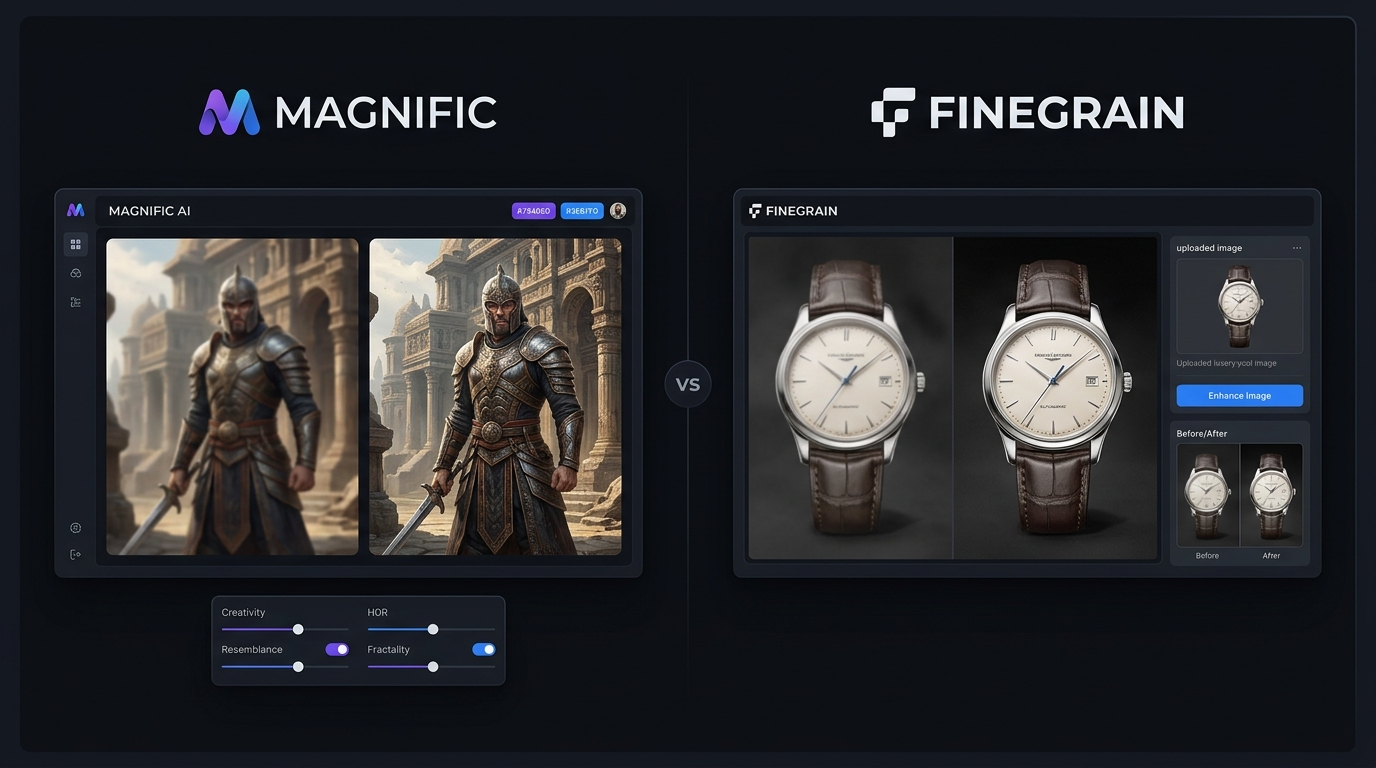
Choosing between Magnific AI vs Finegrain depends on what you expect from an image enhancer. Magnific AI is built for creative upscaling, where the system can create new-looking texture and detail. Finegrain Image Enhancer takes a more natural approach, focusing on clearer images while trying to keep the original appearance. For AI art, portraits, product photos, and everyday images, the better choice can be very different.
Magnific AI vs Finegrain: Key Differences Explained
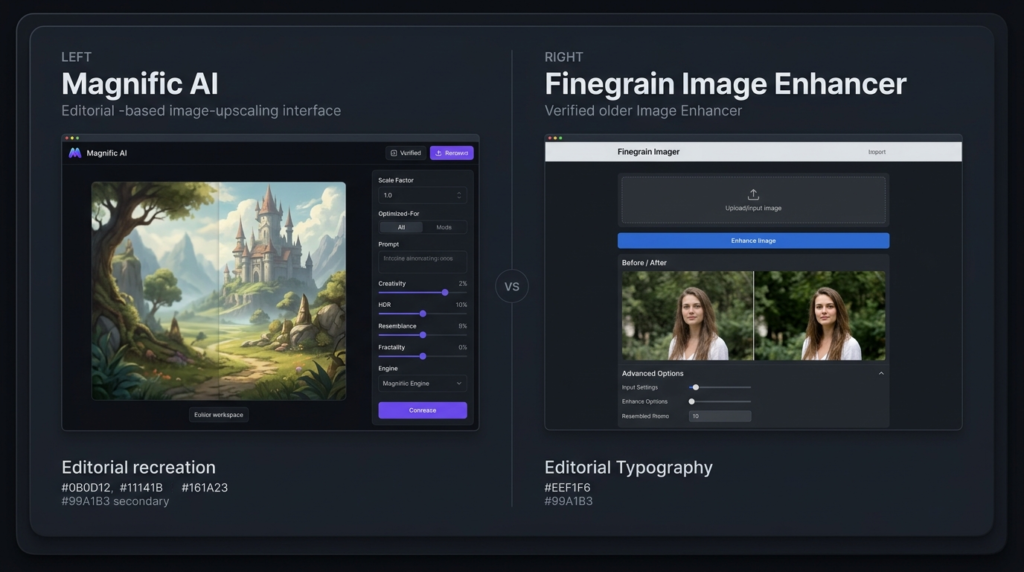
It is mainly a comparison between creative detail generation and natural image enhancement.
Magnific can add noticeable detail to low-resolution images and gives users controls for creativity, resemblance, and image detail. Its current platform also includes an image upscaler designed to increase resolution while adding detail.
Finegrain Image Enhancer is more focused on straightforward enhancement. Its website offers several models for different image types and claims support for images such as portraits, products, landscapes, and AI-generated artwork.
Magnific AI vs Finegrain: Comparing Image Quality and Results
When comparing Magnific AI vs Finegrain, Magnific has an advantage when the original image is extremely soft or lacks visible detail. Its creative approach can reconstruct textures that are difficult to recover from the source.
The trade-off is that generated detail may change small parts of an image. This can be useful for fantasy artwork, game assets, illustrations, and AI-generated images, but it may be less desirable when an exact photo likeness matters.
Finegrain takes a more restrained approach. Its image enhancer is designed to improve clarity while keeping the image natural. This makes it a practical choice for product pictures, regular photographs, and images where preserving the original appearance is important.
Magnific AI vs Finegrain: Features
| Feature | Magnific AI | Finegrain Enhancer |
| Main focus | Creative image upscaling | Natural image enhancement |
| AI detail generation | Strong | More restrained |
| Portraits | Very good, but can alter details | Good for natural results |
| Product images | Good | Very good |
| AI artwork | Excellent | Good |
| Creative controls | Extensive | Simpler |
| Browser-based | Yes | Yes |
| Free option | Check current plan | 3 free enhancements daily |
| Maximum output | Up to 10K on current platform | Up to 4K advertised |
| Best for | AI art and creative work | Photos and everyday images |
Magnific’s current platform lists an image upscaler capable of output up to 10K. Finegrain’s enhancer advertises output up to 4K and several models for different uses.
Magnific AI vs Finegrain: Pricing
Pricing is another important difference in Magnific AI vs Finegrain. Magnific’s standalone pricing has changed as its services have become part of a larger creative platform, so users should check the official pricing page before subscribing. Third-party 2026 sources still report the older standalone structure at about $39 per month for Pro, $99 for Premium, and $299 for Business.
Finegrain Image Enhancer currently lists a free option with three enhancements per day. Its paid plans shown on the site include Pro at $7.99/month, Max at $14.99/month, and Ultra at $24.99/month. Annual billing is cheaper.
| Tool | Starting price shown/reported | Free option |
| Magnific AI | Around $39/month for older standalone Pro pricing | Check current offer |
| Finegrain Enhancer | $0; paid from $7.99/month | 3 images/day |
Because Magnific’s product and pricing structure is changing, its official site is the safer source for the latest subscription details.
Magnific AI vs Finegrain: Which Tool Is Best for AI-Generated Art?
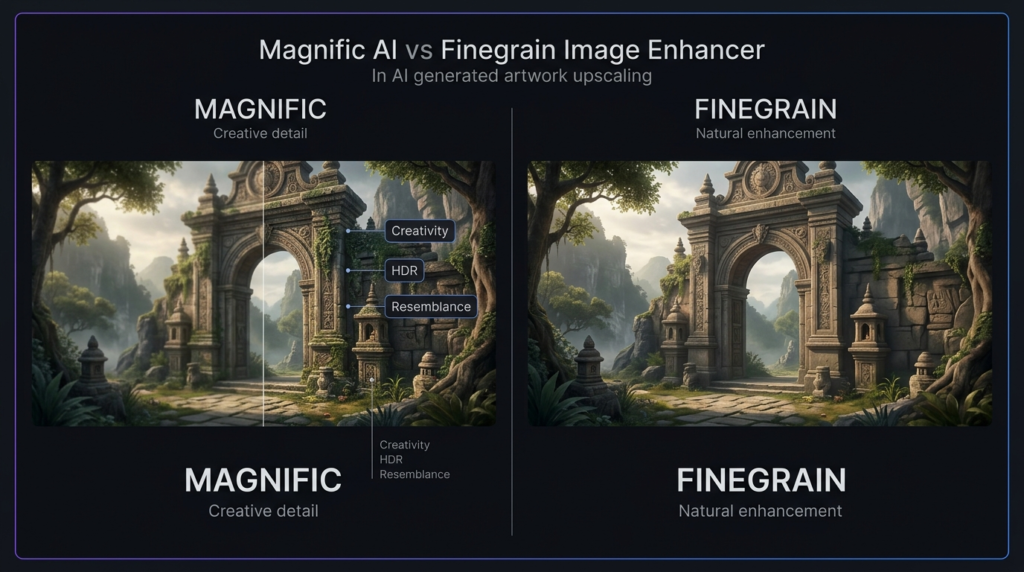
For AI-generated artwork, Magnific AI vs Finegrain is easier to decide. Magnific is usually the stronger option when you want richer textures, sharper surfaces, and more creative detail. Finegrain can still work well for AI art when the goal is to improve clarity without changing the visual character too much. If you want the upscaled version to look more dramatic, Magnific is the better fit.
Magnific AI vs Finegrain: Which Tool Is Best for Photo Enhancement?
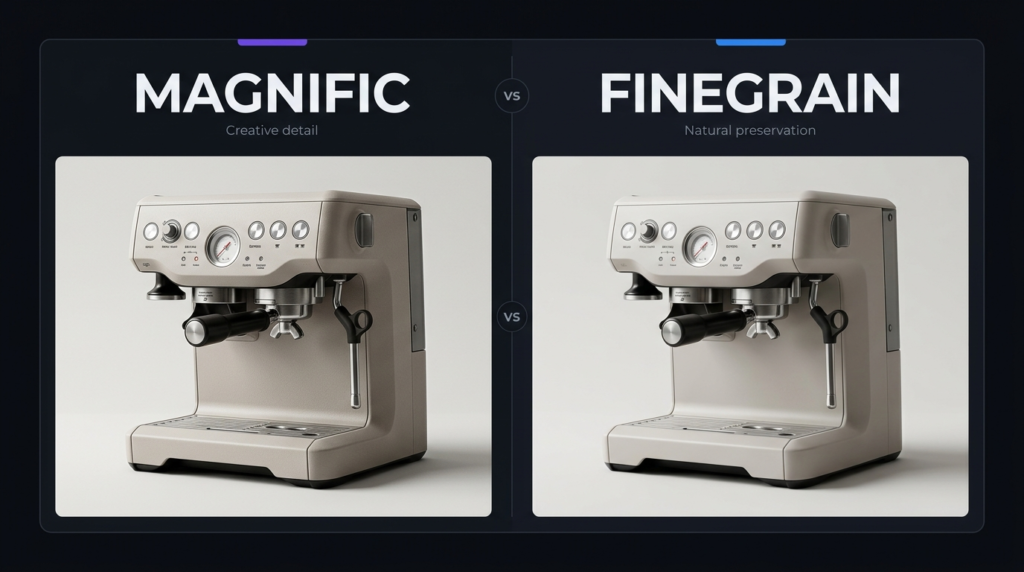
For normal photographs, Finegrain can be the safer choice. Its stated goal is to preserve natural quality, while its models are designed for different image types. Magnific can produce excellent results on photographs, but its creative processing can sometimes invent or alter small details. For personal photos or product images where accuracy matters, a more restrained enhancer may be preferable.
Magnific AI vs Finegrain: User Experience and Ease of Use
Both tools are accessible through a browser, so there is no need for complex desktop software. Magnific offers more control, which is useful for experienced creators but can require more adjustment. Finegrain is simpler for users who want to upload an image, select an enhancement option, and get a cleaner result. Its website also states that images are automatically deleted after 24 hours.
Magnific AI vs Finegrain: Final Verdict
The winner in Magnific AI vs Finegrain depends on the image you are processing. Choose Magnific AI if you create AI artwork, illustrations, fantasy scenes, game assets, or other creative visuals where adding new detail is valuable. Choose Finegrain if you mainly enhance photographs, product images, or other visuals where keeping the original look matters more. For creative image quality, Magnific is the stronger choice. For affordable and natural enhancement, Finegrain offers better value.
FAQs About Magnific AI vs Finegrain
Is Magnific AI better than Finegrain?
For creative upscaling, Magnific AI is generally the stronger option. Finegrain is more suitable when you want natural enhancement and lower-cost access.
Is Finegrain free?
Yes. Finegrain Image Enhancer currently offers three free enhancements per day, while paid plans provide more credits and remove the watermark.
Which is better for AI-generated images?
Magnific AI is usually better for AI-generated images because it can create additional texture and visual detail. Finegrain is better when you want to preserve the original appearance.
Which should photographers choose?
Photographers who care most about natural-looking results may prefer Finegrain. Magnific is worth considering when the image needs stronger reconstruction or creative detail.