You know the moment: someone in the meeting says “let’s circle back on the Q3 numbers,” you nod, you type half a sentence, and by Thursday nobody remembers who was supposed to circle back or when. That’s the gap AI meeting notetakers exist to close.
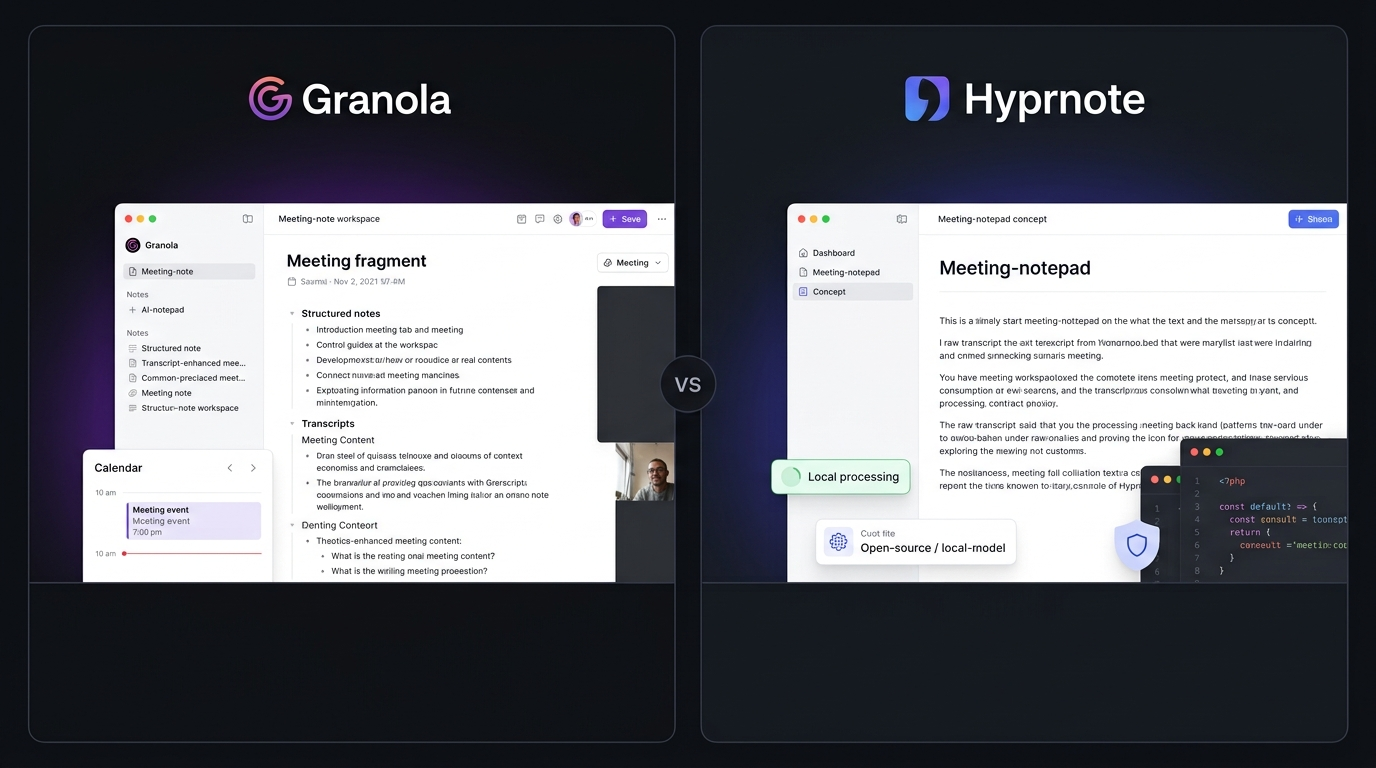
If you’re a founder, HR lead, recruiter, or VP juggling six calls a day, the right tool can be the difference between notes you actually use and a graveyard of half-finished transcripts. This roundup compares two very different approaches to the same problem: Granola and Hyprnote, so you can pick the one that fits how your team actually works.
Editorial note: this comparison is based on independent, hands-on testing. We don’t have a paid partnership with either company, and neither tool paid for placement here.
How We Evaluate AI Meeting Notetakers
We ran both tools across two weeks of real internal meetings, one-on-ones, a recruiting debrief, a scrappy product review with five people talking over each other, and judged them on:
- Note quality: Does the output read like something a human would actually send?
- Setup friction: How quickly can you get your first usable summary?
- Privacy posture: Where does the meeting data go?
- Integrations: Does it work with tools your team already uses?
- Pricing transparency: Are the plans easy to understand?
- Cross-platform support: Can your team use it across different devices?
Between us, we’ve spent years testing productivity and HR tooling for hiring teams, so we know the difference between a demo that looks good and a tool that survives a real Tuesday.
At a Glance: Granola vs Hyprnote
| Tool | Best For | Starting Price |
| Granola | Teams that want polished AI notes without a traditional meeting bot | Free; Business from $14/user/month |
| Hyprnote | Privacy-first users who want local and open-source control | Free core features; Pro $8/month |
Granola: Best AI Meeting Notetaker for Hybrid Note-Taking Without a Bot
Granola takes a different approach to meeting notes. Instead of sending a visible bot into your call, it captures audio from your device while you jot down your own rough notes.
Once the meeting ends, Granola combines your notes with the transcript to create a more structured summary. That makes it especially useful when you want the AI to understand what you considered important rather than simply summarizing every sentence equally.
We tested this during a recruiting debrief with three interviewers talking over each other. What stood out wasn’t only the transcript accuracy. Granola kept the interviewer’s shorthand, such as “strong on SQL, weak culture fit?” instead of turning everything into generic AI language.
That’s a meaningful difference from tools that simply generate a summary from the transcript.
Where it stumbled was speaker attribution. Once three or more people were talking, some comments were assigned to the wrong speaker. Granola is also primarily a desktop-focused experience, so teams should check device compatibility before rolling it out.
Pros
- Notes feel more natural because your own notes guide the AI.
- No traditional meeting bot appears as another participant.
- Strong workflow for recruiters, founders, and customer-facing teams.
- Useful integrations become available on paid plans.
Cons
- Speaker attribution can become less reliable with larger groups.
- Advanced integrations require a paid plan.
- Teams that need highly localized processing may prefer Hyprnote.
Granola Pricing
Granola currently offers a free Basic plan with unlimited meetings but limited meeting history. Its Business plan costs $14 per user per month and adds unlimited history, advanced AI models, team features, and integrations. Enterprise starts at around $35/user/month and adds advanced administrative and security controls.
For the latest plan details, check Granola’s pricing information before purchasing.
| Plan | Price | Best For |
| Basic | Free | Individual users and testing |
| Business | $14/user/month | Teams and frequent meeting users |
| Enterprise | $35+/user/month | Organizations needing advanced controls |
Hyprnote: Best AI Meeting Notetaker for Privacy-Focused Teams
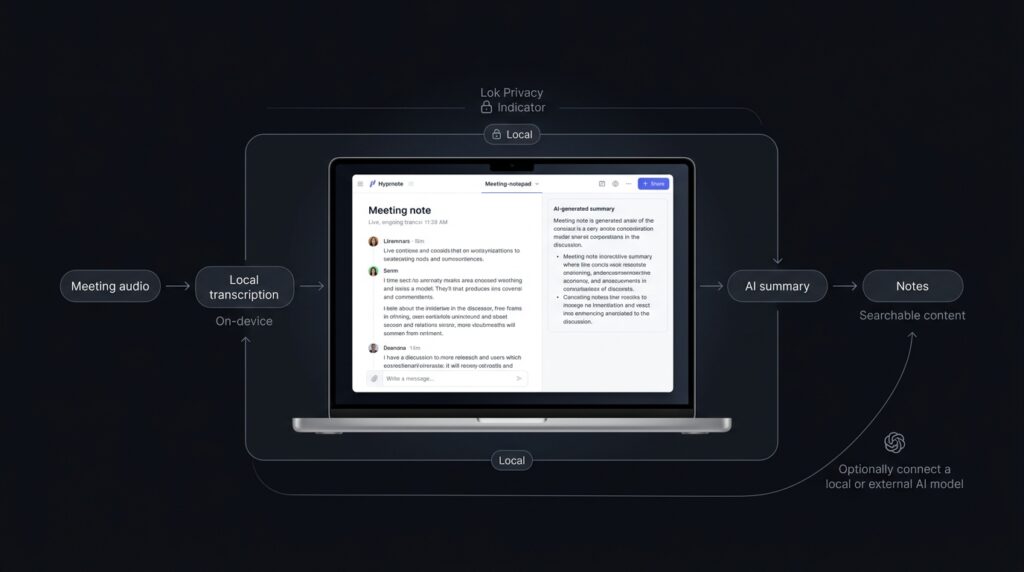
Hyprnote takes the opposite approach. It was designed as a local-first AI notepad for private meetings, allowing users to process meetings on their own machines.
The project supports local AI workflows using tools such as Ollama and LM Studio, while also allowing users to bring their own AI provider. Its open-source approach gives technical teams considerably more control over how their meeting data is processed.
For HR teams handling sensitive candidate conversations, or founders discussing confidential business information, that local-first architecture can be a major reason to choose Hyprnote over a cloud-focused alternative.
The trade-off is setup and performance. Local processing depends heavily on your computer and the AI model you choose. Users who want a polished, ready-to-go commercial experience may find Granola easier.
Pros
- Local-first processing provides strong privacy control.
- Open-source approach gives technical users more flexibility.
- Supports local models through tools such as Ollama and LM Studio.
- Bring-your-own-model flexibility reduces vendor lock-in.
- Core transcription and AI meeting-note functionality is available without a traditional subscription requirement.
Cons
- Local AI performance depends on your hardware.
- Setup can require more technical knowledge.
- Built-in integrations are less extensive than mature commercial products.
- Enterprise workflows may require additional configuration.
Hyprnote Pricing
Hyprnote’s core features, including unlimited AI summaries and transcription, have been offered free forever. Its Pro plan is $8 per month for features such as unlimited AI chat and advanced search, while Enterprise pricing is custom for organizations that need features such as on-premises deployment, SSO, and dedicated support.
You can check the latest details on Hyprnote’s official pricing information.
| Plan | Price | Best For |
| Free | $0 | Transcription and AI summaries |
| Pro | $8/month | Advanced search and unlimited AI chat |
| Enterprise | Custom | Organizations with advanced deployment needs |
Feature Comparison: Where Granola and Hyprnote Actually Differ
| Feature | Granola | Hyprnote |
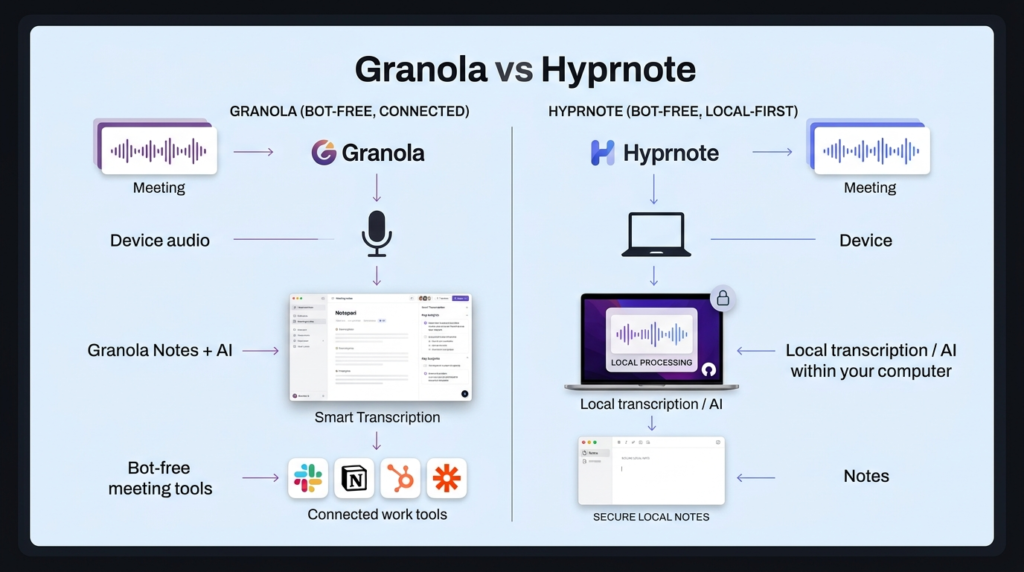
| Data approach | Device-based audio capture with cloud transcript processing | Local-first processing |
| Meeting bot | No traditional meeting bot | No meeting bot |
| Model flexibility | Granola’s AI models | Bring your own local or cloud model |
| Native integrations | Notion, Slack, HubSpot, Zapier and more on paid plans | Apple Calendar, Contacts, Obsidian, with additional integrations developing |
| Open source | No | Yes |
| Privacy focus | Strong commercial privacy and security controls | Local-first and open-source |
| Pricing | Free; Business from $14/user/month | Free core; Pro from $8/month |
| Best for | Teams wanting convenience and integrations | Privacy-focused and technically capable users |
Which One Should You Choose?
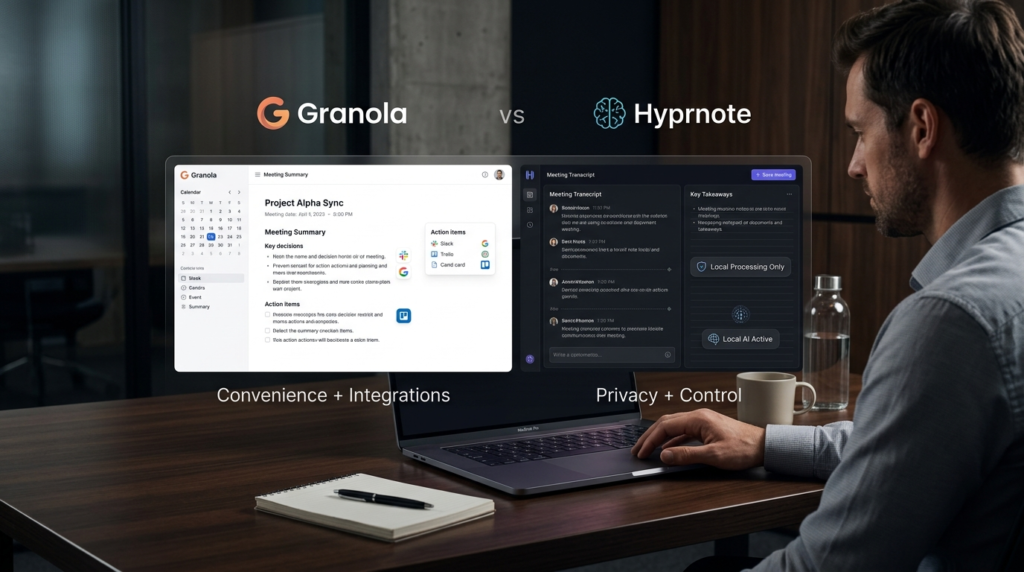
Choose Granola if your priority is convenience. It is the better fit for teams that want polished meeting notes, minimal setup, strong integrations, and a workflow that doesn’t require technical configuration.
Choose Hyprnote if privacy and control matter more than convenience. Its local-first and open-source approach makes it particularly interesting for developers, privacy-conscious founders, researchers, and teams dealing with sensitive information.
For most business users, Granola is the easier recommendation. For technical teams that want ownership over their meeting-note workflow, Hyprnote is much harder to ignore.
Final Thoughts
Both Granola and Hyprnote solve the same core problem: turning scattered meeting conversations into notes people will actually read.
But they take very different routes.
Granola is built around a polished commercial experience. Its free plan lets you test the workflow, while the $14/user/month Business plan adds unlimited history and deeper integrations.
Hyprnote focuses more heavily on local processing, open-source flexibility, and user control. Its free core offering makes it particularly attractive to users who don’t want another recurring SaaS expense.
The best move is to test both against one real meeting. Then ask yourself one simple question: Which set of notes would you actually forward to your boss without editing it first?
Looking for more software and AI tool comparisons? Check out Olareviews Reviews to discover more expert-tested tools and technology reviews before making your next software decision.
FAQ: AI Meeting Notetakers
Is it legal to use an AI notetaker on client or candidate calls?
The answer depends on the laws where the participants are located. Recording and transcription consent requirements vary by jurisdiction, so teams should inform participants when required and follow their organization’s privacy policies.
Is there a genuinely free AI meeting notetaker worth watching?
Yes. Hyprnote is one option for users who want a local-first, open-source approach. Its core transcription and AI-summary features have been offered for free, while its Pro plan adds additional capabilities.
Which is more accurate for meetings with lots of speakers?
Neither tool should be assumed to be perfect when several people talk over each other. If speaker attribution is critical, test both tools with your actual meeting format before deploying them across your organization.
Is Granola free?
Yes. Granola has a free Basic plan with unlimited meetings, although meeting history is limited. The Business plan costs $14 per user per month and adds unlimited history and advanced integrations.
Is Hyprnote free?
Hyprnote’s core transcription and AI-summary features have been offered free forever. The Pro plan is $8/month and adds features such as unlimited AI chat and advanced search.