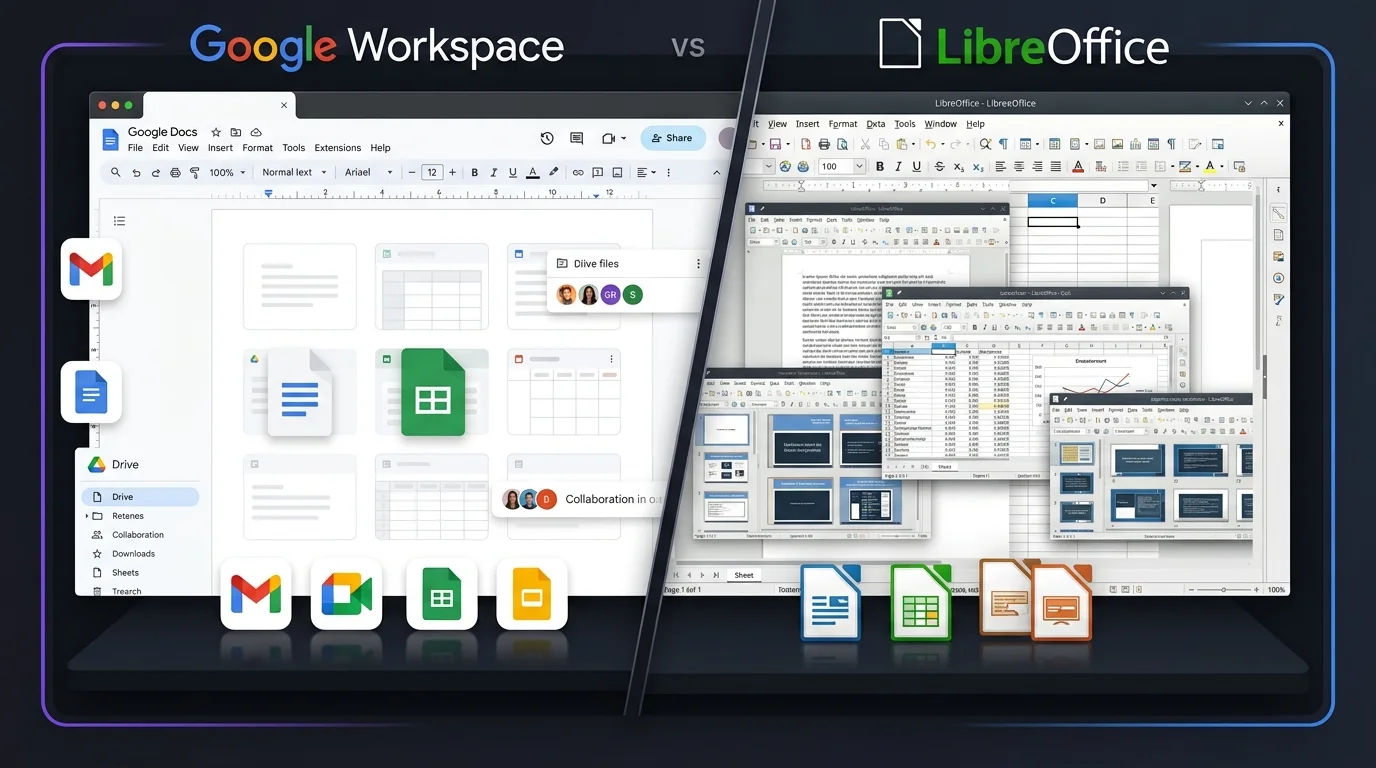
Choosing the right productivity suite depends on how you work, what features you need, and whether you prefer cloud-based or desktop software. Google Workspace vs LibreOffice is a useful comparison for students, professionals, businesses, and personal users looking for reliable tools for documents, spreadsheets, and presentations. Google Workspace focuses on online collaboration, cloud storage, and connected work. LibreOffice takes a different approach with a free desktop suite that works well without an internet connection. The better option depends on your budget, workflow, and need for collaboration.
Google Workspace vs LibreOffice: Comparison Table
| Feature | Google Workspace | LibreOffice |
| Word Processor | Google Docs | LibreOffice Writer |
| Spreadsheet | Google Sheets | LibreOffice Calc |
| Presentation | Google Slides | LibreOffice Impress |
| Gmail included | Not included | |
| Cloud Storage | Google Drive included | No built-in cloud storage |
| Real-Time Collaboration | Yes | Limited |
| Offline Work | Supported with setup | Excellent |
| Desktop Apps | Limited | Full desktop suite |
| Mobile Access | Android and iOS apps | Limited mobile options |
| File Sharing | Built in | Usually requires another service |
| Microsoft Office File Support | Yes | Yes |
| Video Meetings | Google Meet | Not included |
| Templates | Large selection | Available |
| Document Comments | Yes | Yes |
| Version History | Yes | Available through file management features |
| User Management | Available on business plans | Not designed for centralized business management |
| Internet Required | Mainly for cloud features | No |
| Best For | Teams, businesses, students, remote work | Personal users, offline work, budget users |
Google Workspace vs LibreOffice: Pricing Comparison
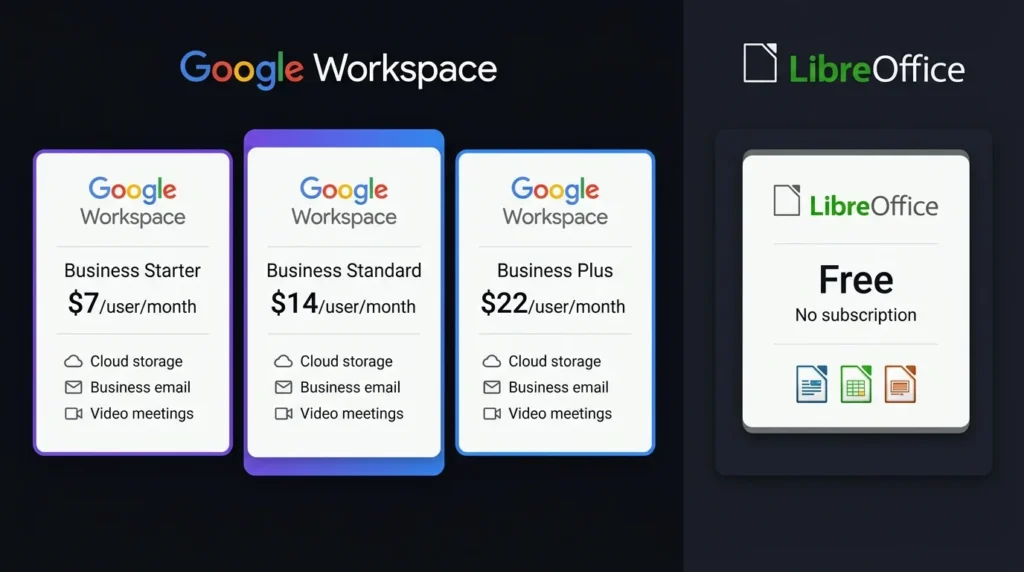
Pricing is one of the biggest differences between the two options. LibreOffice is free to download and use, while Google Workspace uses paid plans for business and professional users. Google also provides free personal access to individual applications such as Docs, Sheets, and Slides with a Google account, although storage and business features differ.
| Pricing Factor | Google Workspace | LibreOffice |
| Basic Cost | Free personal tools available; business plans are paid | Free |
| Subscription | Yes for business plans | No |
| Cloud Storage | Included with Google Workspace plans | Not included |
| Business Email | Included with eligible plans | Not included |
| Video Meetings | Included with Workspace plans | Not included |
| Desktop Office Apps | Web-focused | Included |
| Long-Term Cost | Depends on selected plan | No software subscription |
| Best Value For | Businesses and teams | Users wanting free desktop software |
For users who only need word processing, spreadsheets, and presentations, LibreOffice can reduce software costs because there is no subscription. Google Workspace can offer better value for businesses that also need professional email, cloud storage, meetings, and shared workspaces.
Google Workspace vs LibreOffice: Features
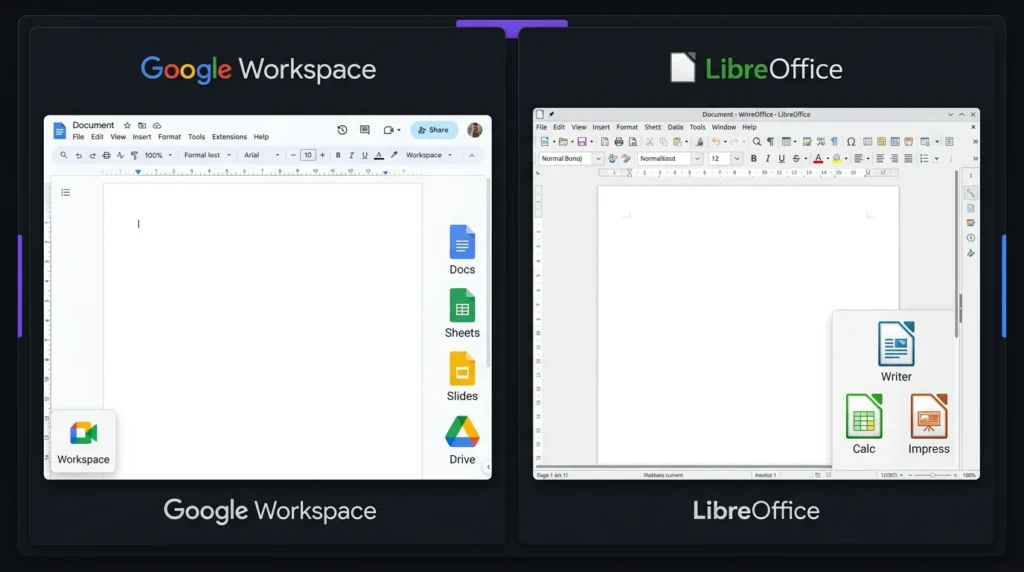
Google Workspace provides a connected set of online tools. Google Docs handles documents, Google Sheets manages spreadsheets, and Google Slides is designed for presentations. Google Drive provides cloud storage, while Gmail and Google Meet support communication.
LibreOffice includes Writer, Calc, Impress, Draw, Base, and Math. This gives users a broad collection of desktop applications without requiring a paid account.
For basic office work, both suites provide the main tools most users need. The biggest difference in Google Workspace vs LibreOffice is the way those tools are delivered.
Google Workspace vs LibreOffice: Collaboration
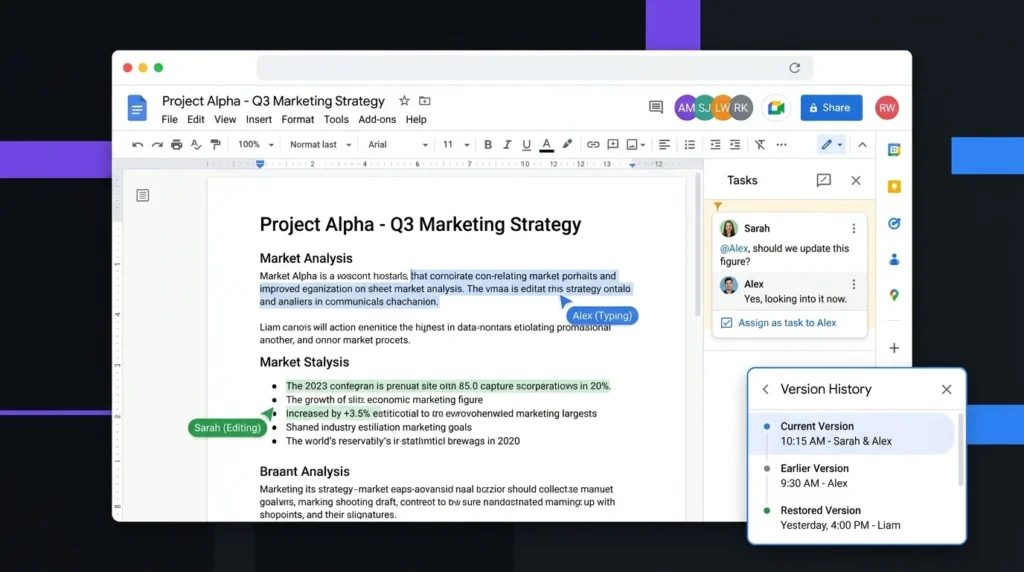
Google Workspace has a strong advantage for collaboration. Multiple people can work on the same document at the same time, add comments, suggest changes, and share files through links or permissions.
LibreOffice is primarily designed for individual desktop work. Documents can still be shared through email, cloud storage, or other services, but the collaboration experience is not as integrated.
For remote teams, group assignments, and businesses, Google Workspace is generally the more practical choice.
Google Workspace vs LibreOffice: Offline Use
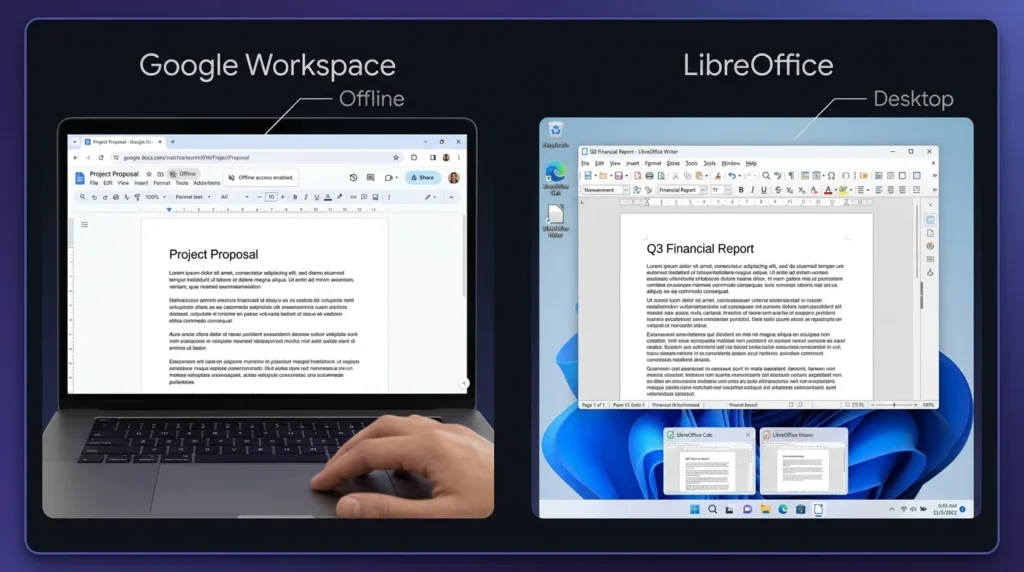
LibreOffice is an excellent option for offline work. Once installed on a computer, Writer, Calc, and Impress can be used without an internet connection.
Google Workspace also supports offline access for certain applications, but users need to configure offline functionality. Its main strength remains cloud-based work.
If internet access is unreliable or you prefer keeping files directly on your computer, LibreOffice has an advantage.
Google Workspace vs LibreOffice: File Compatibility
Both suites can work with popular office file formats. LibreOffice supports formats commonly associated with Microsoft Office, while Google Workspace can import and export several common formats. However, complex documents can sometimes experience formatting changes when moved between different office programs. Users working with advanced layouts, spreadsheets, or presentation designs should test important files before switching platforms.
Google Workspace vs LibreOffice: Ease of Use
Google Workspace is easy to access because most tools work directly through a web browser. Users can sign in and continue working from another supported device.
LibreOffice feels more like a traditional desktop office suite. Its applications offer many settings and tools, which can be useful for experienced users but may take some time for beginners to learn.
For simple online work, Google Workspace may feel easier. For traditional desktop productivity, LibreOffice remains a strong option.
Google Workspace vs LibreOffice: Which Productivity Suite Is Better?
The answer depends on your needs.
Google Workspace is better for:
- Online collaboration
- Remote teams
- Cloud storage
- Business email
- Video meetings
- Working across multiple devices
LibreOffice is better for:
- Free office software
- Offline work
- Local file storage
- Desktop productivity
- Users who want to avoid subscriptions
Google Workspace is the stronger choice when collaboration and cloud services are important. LibreOffice is the better fit for users who mainly need free desktop applications without a recurring software cost.
Final Verdict on Google Workspace vs LibreOffice
Google Workspace vs LibreOffice comes down to cloud convenience versus desktop freedom. Google Workspace provides a connected working environment with collaboration, storage, email, and meetings. LibreOffice provides a capable free office suite with strong offline functionality and local file control. For businesses and teams, Google Workspace offers a more complete collaboration experience. For individuals who want free desktop productivity tools, LibreOffice provides excellent value. Your ideal choice should depend on how you work, your budget, and whether you need online collaboration.