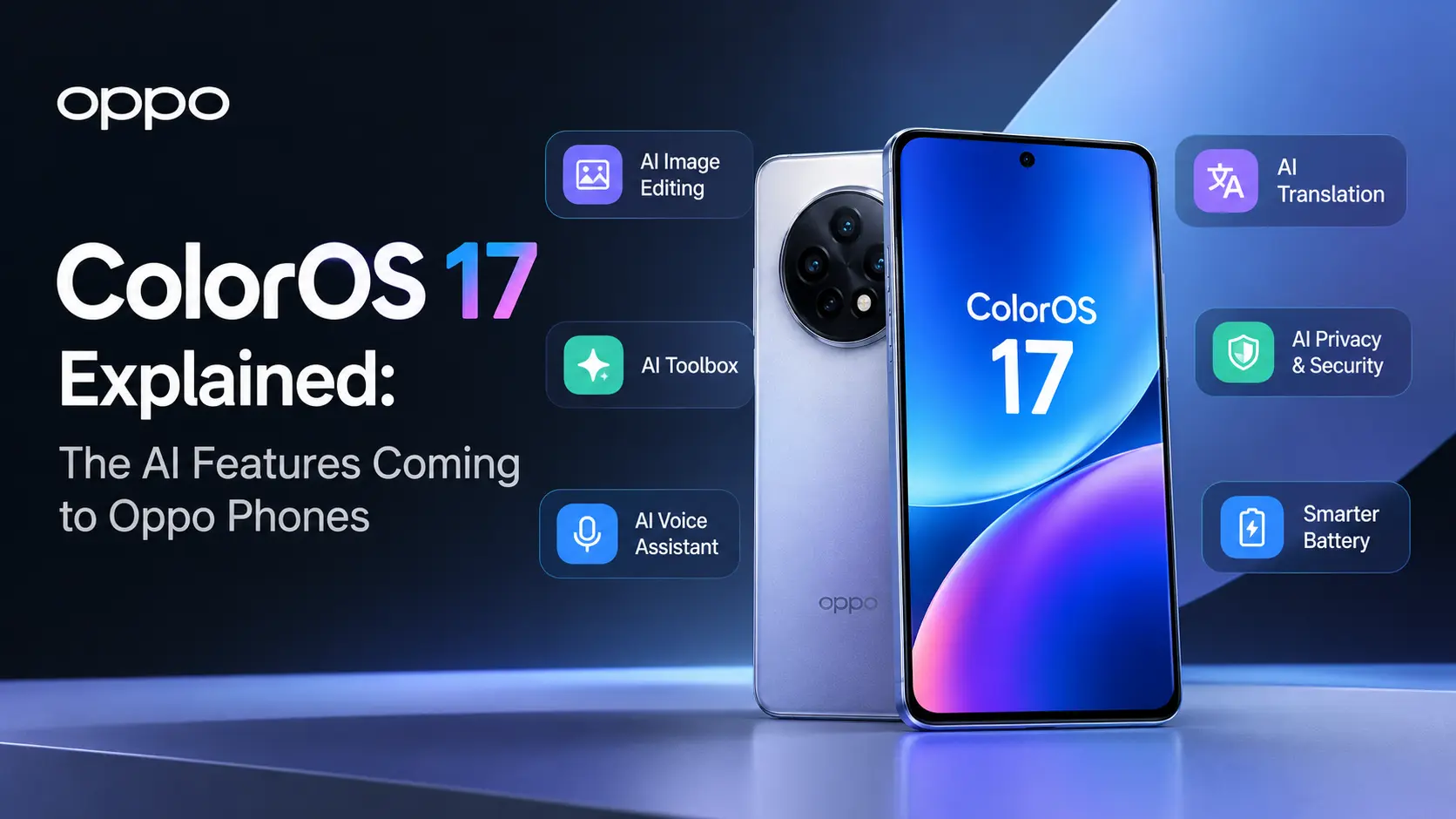
Oppo has started rolling out ColorOS 17, and interest is booming. Searches for its AI features jumped more than tenfold in India this week, and Oppo’s own launch posts are drawing hundreds of likes. The update will first launch on the new Oppo Find X10 series before rolling out to other Oppo smartphones. With Oppo a popular brand in Australia, we explain what the new AI tools actually do and what local owners can expect.
A Smoother Design That Uses Fewer Resources
ColorOS 17 is based on Android 17 and brings a new look Oppo calls Living Flow Design, with translucent, glass-like layers and fluid motion. Oppo says it was built to stay light on resources, a point Android Authority highlighted in its first look.
The company also claims real speed gains. According to Oppo, app launch stability improves by 55%, Gallery thumbnails load up to 50% faster on first launch, and the phone can keep more than 25% more apps running in the background. These are Oppo’s own figures, so independent testing will tell the full story.
The AI Features Worth Knowing
AI Mind Pilot with Agent Mode
This is the headline tool. Agent Mode can carry out multi-step tasks on your behalf, such as finding scattered files, renaming them by content and date, and organising them. It moves the phone from answering questions to actually doing chores.
AI Photo Agent
You can describe the changes you want in simple words rather than adjusting sliders manually. The Style Match feature also lets you apply the colours, lighting, and skin tones of a reference photo to your own image.
AI Mind Space and Mind Suggest
Mind Space works as a personal memory hub. It can now save documents and video links and turn them into searchable notes, with new Memory Collections and trip planning. Mind Suggest adds timely reminders and recommendations, though some suggestions depend on regional services.
OSee visual AI
OSee brings camera-based tools together, including object recognition, document scanning, translation and nutrition checks on food.
Security Features That Could Matter Most
Two features stand out for everyday safety. AI Call Guard monitors calls directly on your device to detect potential scams, including voices that may have been generated or manipulated by AI. It alerts you when something seems suspicious. With scam calls remaining a widespread issue in Australia, this feature could be more valuable in everyday life than AI photo-editing tools.
Oppo also uses a Private Computing Cloud for heavier AI tasks, with end-to-end encryption designed to stop anyone, including Oppo, from seeing your data. A new Transparency Report is designed to explain how AI features process and manage user information. ColorOS 17 also adds AI Live Interpreter, which translates conversations through compatible earbuds.
When Will Australians Get It?
The global rollout starts with the Find X10 series, which Oppo is launching internationally in Barcelona on 21 October. The phones feature Hasselblad-tuned 200MP cameras, as Channel News reported. Oppo has not yet confirmed Australian pricing or a local release date for the phones. For existing Oppo phones, the update arrives in phases, usually starting with recent flagships. Keep an eye on your phone’s software update settings, and check Oppo Australia’s channels for local timing. For other options, our coverage of Vivo’s latest launches and our [Link: best Android phones in Australia] guide can help.
A Phone That Does More of the Work
ColorOS 17 shows where phone software is heading: fewer taps and more tasks handled for you. The scam call protection and private cloud processing may end up mattering more than the eye-catching design. If you own a recent Oppo phone, this is one update worth installing as soon as it reaches you.
Frequently Asked Questions
Is ColorOS 17 free?
Yes. It is a free software update for eligible Oppo phones, delivered over the air in stages.
Will OnePlus and realme devices receive these features as well?
Their software shares the same base, and realme has already promoted ColorOS 17 features. Exact features and timing can differ by brand and model.
Will every AI feature work in Australia?
Not necessarily. Some features rely on regional apps and services, so a few may be limited or missing locally.
Should I back up before updating?
Yes. A full backup before any major update protects your photos and data if something goes wrong during installation.