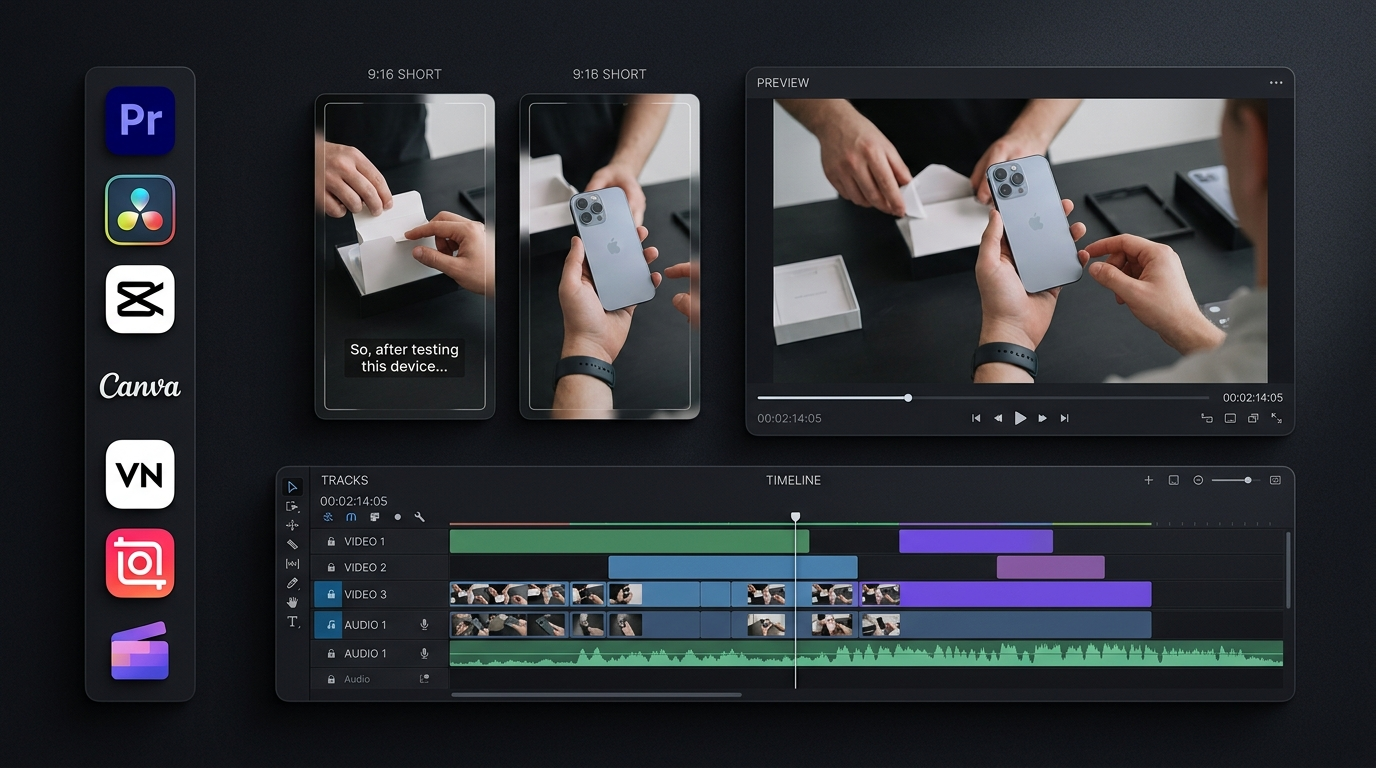
The best video editing apps for affiliate marketing help us create clear product demonstrations, useful reviews, and short promotional videos without wasting hours on editing. But the right choice depends on more than effects or templates. We also need to consider export quality, free features, captions, and how easily we can adapt one video for YouTube Shorts, TikTok, and Instagram Reels.
Our key recommendation is to choose an editor that supports a repeatable workflow. We can record a product once, create a main video, and adapt it for different platforms. This saves editing time while keeping each version relevant to its audience.
1. CapCut: Best for Short Affiliate Videos
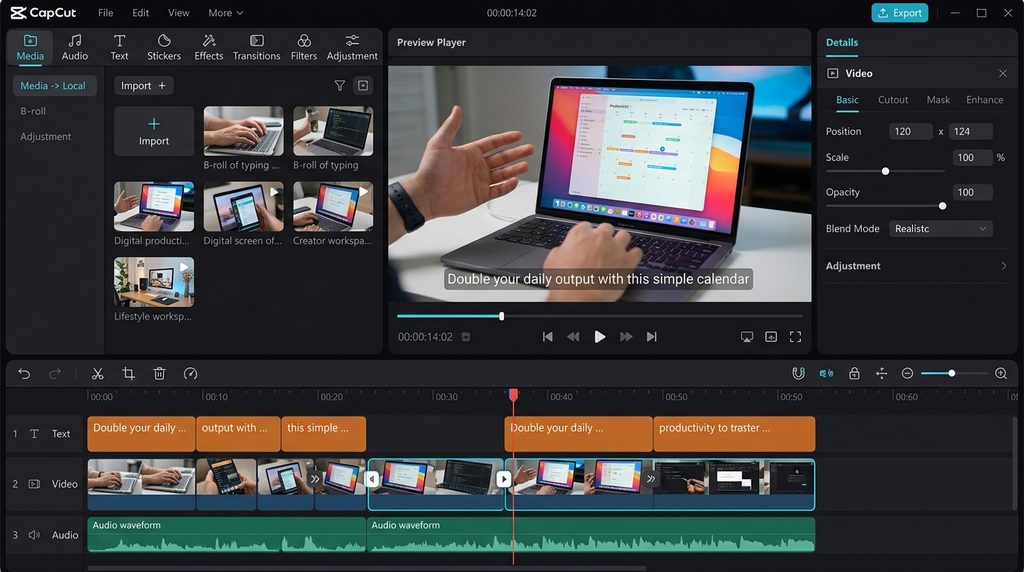
CapCut offers trimming, transitions, text overlays, automatic captions, speed controls, and other tools for short-form content. Its mobile interface makes it a practical option for creators who want to edit videos without using desktop software.
We can use CapCut to demonstrate a product, highlight three useful features, and finish with a clear call to action. Its effects and templates can also help us produce several versions of a video.
CapCut offers in-app purchases, and some features require a paid plan. Availability and pricing can vary by region and device. Check the current options before subscribing.
Best use: Short affiliate videos and social media product demonstrations.
2. Canva: Best for Promotional Videos
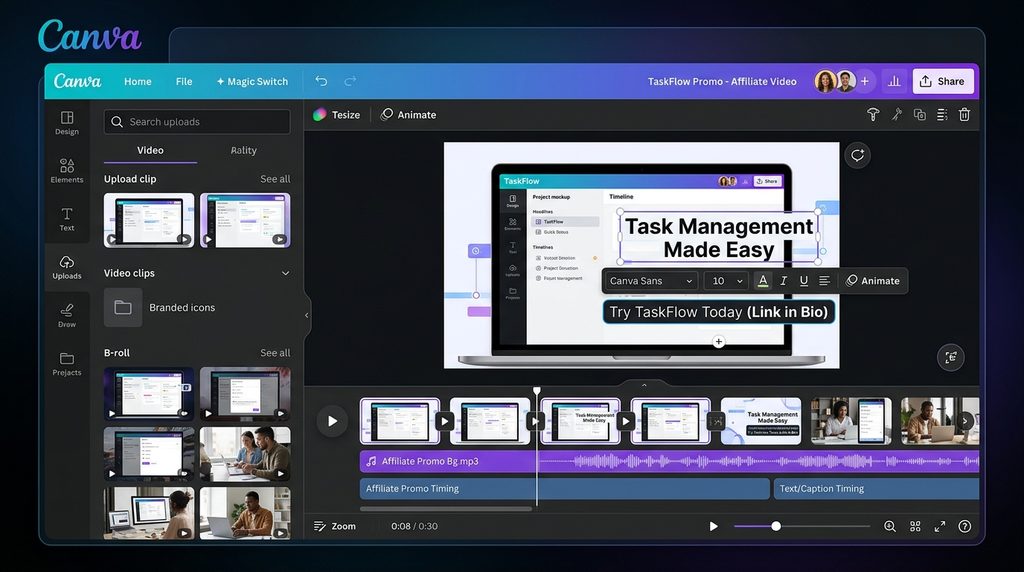
Canva combines video editing with templates, text, animations, and design tools. Its free editor supports watermark-free exports, while some advanced features require Canva Pro.
We can use Canva to create promotional videos for software, online courses, and digital products. It is also useful for adding consistent colors, logos, captions, and calls to action across a series of videos.
For example, an affiliate marketer promoting a project management tool could show its main features alongside short text explaining how the tool helps users organize their work.
Best use: Branded product videos and simple promotional campaigns.
3. InShot: Best for Mobile Video Editing
InShot is designed for mobile editing. It offers tools for trimming clips, adding music, inserting text, adjusting speed, and applying transitions.
We can record a product demonstration on a phone, remove unnecessary pauses, add a voice-over, and prepare the result for social media. This makes InShot useful for creators who publish frequently but do not need advanced desktop controls.
Before choosing a paid plan, check which effects, export settings, and other features are included in the current version.
Best use: Quick product reviews and mobile-first affiliate videos.
4. VN Video Editor: Best for Budget-Conscious Creators
VN Video Editor is worth considering if we want more control over clip timing, text, transitions, and multiple video layers without immediately paying for professional software.
Its timeline-based workflow helps us combine product footage, narration, and supporting clips. For example, we can show a product’s screen while explaining its main benefit.
Features and export options can change between app versions and devices, so test the current version before making it the main tool for a business workflow.
Best use: Low-cost editing for product demonstrations and social videos.
5. Microsoft Clipchamp: Best for Software Tutorials
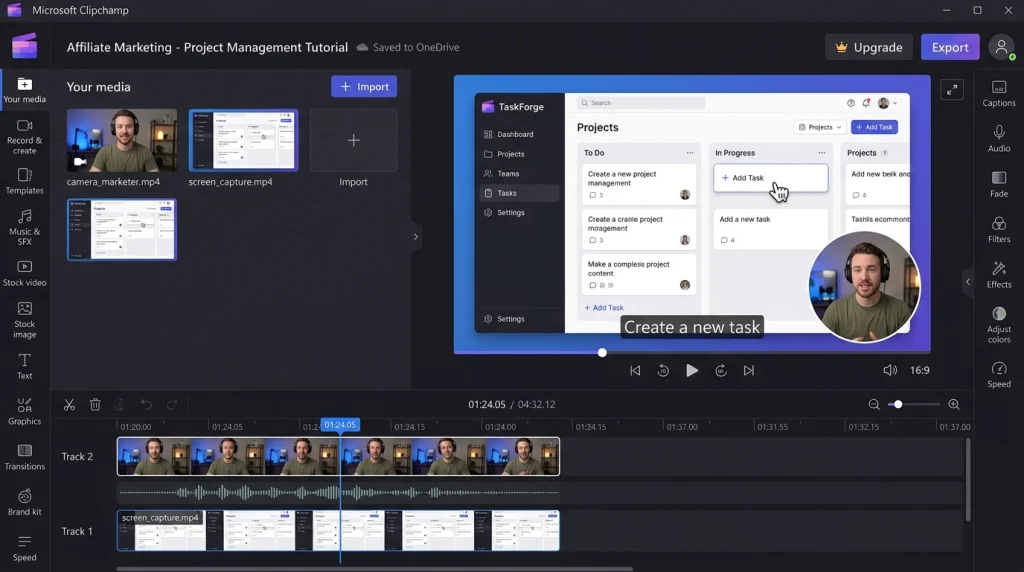
Microsoft Clipchamp works through a browser and a Windows app. It offers video editing, screen recording, voice recording, templates, and captions.
Microsoft confirms that its personal free plan includes core editing tools and watermark-free exports up to 1080p. Premium features include 4K exports and additional stock media, effects, and brand tools.
Clipchamp is particularly useful for software affiliate marketing. We can record an app walkthrough, show how a feature works, and explain its value through narration.
Best use: Software reviews, tutorials, and screen-based product demonstrations.
6. DaVinci Resolve: Best for Detailed Product Reviews
DaVinci Resolve combines video editing, color correction, visual effects, and audio tools in one application.
Its free version supports many common video formats and resolutions up to Ultra HD 3840 × 2160 at up to 60 frames per second. The paid Studio edition adds advanced tools, including more AI-assisted features.
We can use DaVinci Resolve to create detailed product comparisons, camera reviews, and longer YouTube videos that need careful sound and image adjustments. However, beginners may need time to learn its interface.
Best use: Detailed reviews and professional-looking YouTube affiliate content.
7. Adobe Premiere: Best for Mobile and Advanced Editing
Adobe Premiere offers mobile editing tools for short videos, including a multitrack timeline, automatic captions, audio enhancement, and background removal.
Adobe states that Premiere on mobile supports free core editing and unlimited 4K exports without watermarks. Some generative AI features require credits or an eligible subscription, and feature availability can differ by platform.
This makes Premiere a strong option for creators who want detailed control over mobile edits. For advanced desktop workflows, compare the separate desktop product and its subscription costs before choosing a plan.
Best use: Detailed mobile edits and creators who want room to grow.
How to Choose the Best Video Editing Software for Affiliate Marketers
The best tool depends on our content type, budget, and editing experience.
| Main requirement | Recommended app |
| TikTok and YouTube Shorts | CapCut |
| Branded promotional videos | Canva |
| Editing on a phone | InShot |
| Budget-friendly timeline editing | VN Video Editor |
| Software tutorials | Clipchamp |
| Detailed product reviews | DaVinci Resolve |
| Advanced mobile editing | Adobe Premiere |
Before committing to an editor, make a test video and check the export quality, watermark rules, caption accuracy, and any paid features you need. A free app is only cost-effective if it supports the workflow we actually use.
For a more complete strategy, explore affiliate marketing video strategy and product review content tips.
A Smarter Workflow for Affiliate Videos
We do not need to create every video from scratch. Instead, we can record one useful product demonstration and prepare different edits for each platform. For example, a five-minute software review can become a short feature demonstration, a quick tutorial, and a longer comparison. Each version should have a different opening and a clear purpose. We should also check that text remains readable in vertical formats.
Editing should make the product easier to understand, not make it look better than it really is. Show genuine features, explain limitations, and avoid unsupported claims. If we earn commissions through affiliate links, disclose that relationship clearly. The Federal Trade Commission’s guidance for social media influencers explains how creators should disclose material connections.
Conclusion
The best video editing apps for affiliate marketing in 2026 depend on the videos we plan to create. CapCut and InShot suit short social clips, Canva helps with branded promotions, and Clipchamp works well for software tutorials. VN offers a budget-friendly option, while DaVinci Resolve and Adobe Premiere provide more editing control. Start with one editor that meets your current needs, test its free features, and build a workflow you can repeat. Clear demonstrations, accurate claims, and useful content matter more than complicated effects.
Frequently Asked Questions
Which free video editing app is best for affiliate marketing?
Canva, Clipchamp, VN, and DaVinci Resolve offer free options. The best choice depends on whether we need mobile editing, branded templates, screen recording, or advanced desktop controls.
Which video editing apps work best for faceless affiliate marketing?
CapCut, Canva, and Clipchamp are useful for combining voice-overs, screen recordings, product footage, and text without appearing on camera.
Do affiliate videos need captions?
Captions make spoken information easier to follow when viewers watch without sound. Always review automatic captions to correct product names, prices, and technical terms.
Can we use the same video on multiple platforms?
Yes, but we should adjust the aspect ratio, opening, text placement, and call to action for each platform. We should also check current platform requirements before publishing.
Leave a Reply